
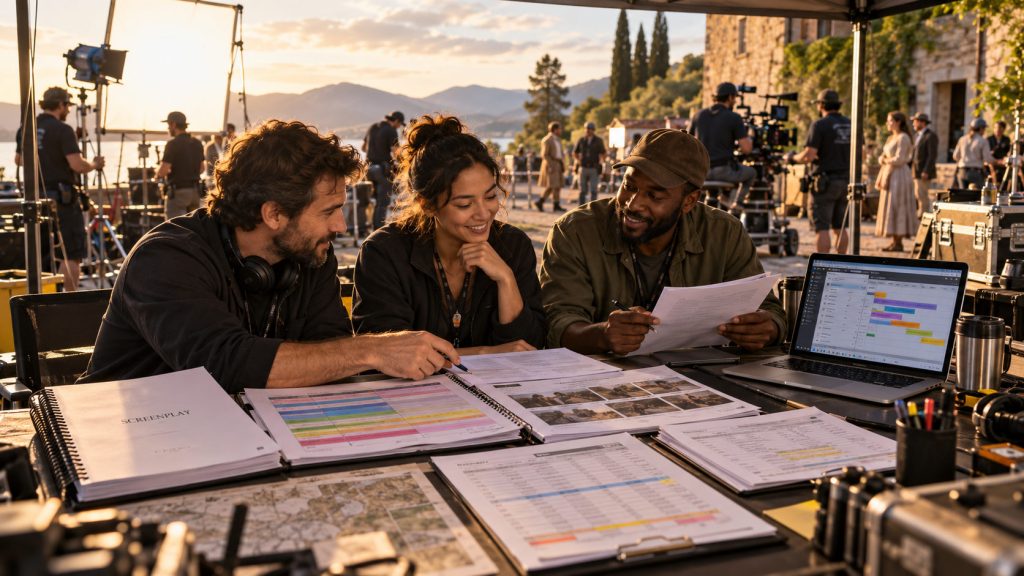
A screenplay tells a story. A shooting schedule explains how that story will be filmed. A production budget reveals what it will cost.
Between those three documents lies one of the most important parts of filmmaking: pre-production.
A script may describe a conversation in a crowded restaurant, a car chase through downtown streets, or a quiet scene in a bedroom. On the page, those scenes exist as words. But someone must turn them into locations, actors, equipment, crew requirements, shooting days, and eventually, dollar amounts.
That transformation is the foundation of a professional script to schedule to budget workflow.
For producers, assistant directors, line producers, production managers, and independent filmmakers, understanding how these stages connect is essential. A decision made during script breakdown can affect the shooting schedule. A scheduling change can affect cast and crew days. Those changes can alter the production budget.
With Gorilla Scheduling Online and Gorilla Budgeting Online, filmmakers can organize these stages within a modern browser-based production environment, helping turn a written screenplay into a practical production plan.
Step 1: Start with a Production-Ready Screenplay
Everything begins with the screenplay, but before scheduling starts, the script needs to be reasonably organized.
Scene headings should be consistent. Character names should be clear. Interior and exterior designations should make sense. Day and night information should be accurate wherever possible.
These details may seem minor, but they become important when the screenplay is imported into scheduling software.
Consider a short film with twenty scenes. Some take place in a family home, others at a restaurant, and several at a remote cabin.
If the screenplay refers to the same restaurant as “INT. DINER,” “INT. RESTAURANT,” and “INT. CAFE,” the scheduling team must determine whether these are three locations or different names for the same set.
Those inconsistencies can create confusion later when scenes are grouped and shoot days are organized.
A clean screenplay makes the next stages easier.
Gorilla Scheduling Online allows filmmakers to import screenplay information and begin organizing scenes for breakdown and scheduling. Instead of repeatedly transferring information into spreadsheets, the imported scenes become the foundation of a structured production project.
Step 2: Break Down Every Scene
Once the screenplay is imported, the next task is identifying what the production actually needs.
This is the script breakdown.
Each scene must be examined for cast members, background actors, locations, props, wardrobe, vehicles, set dressing, special effects, equipment, and other production elements.
The goal is not merely to create a list. It is to identify the requirements that may affect how the scene is scheduled and how much it costs.
Let’s return to our short film.
One scene takes place at a remote cabin. Two actors arrive in an old pickup truck during a rainstorm. One character carries a suitcase. The other uses a flashlight.
The breakdown might identify:
- Two cast members and an exterior cabin location
- A picture vehicle and suitcase
- A flashlight and rain wardrobe
- Rain effects and wet-weather protection
- Special lighting, grip, and camera requirements
Each element has a practical consequence.
The pickup truck may need to be rented. The rainstorm may require effects equipment, additional crew, and safety planning. The remote location may increase transportation costs or limit the hours available for shooting.
A half-page scene can therefore require considerable production preparation.
This is where the screenplay begins turning into a real production plan.
Gorilla Scheduling Online allows filmmakers to organize these requirements within scene breakdowns, creating production element information that can be used throughout scheduling.
Step 3: Use AI to Assist with the First Breakdown Pass
Script breakdown can be one of the most time-consuming stages of pre-production, particularly on longer screenplays with many recurring elements.
AI-assisted breakdown tools can help speed up the initial identification process.
With Breakdown Assistant AI, filmmakers can analyze screenplay scenes and receive suggested production elements. These suggestions can include props, wardrobe, vehicles, locations, background actors, special equipment, and other requirements.
However, AI should not be treated as the final authority.
A tool may recognize the pickup truck in our cabin scene, but it may not know whether the vehicle is already owned by the production or needs a separate rental. It may identify rain effects without knowing how the location’s drainage, permits, and safety requirements will affect the shoot.
Those decisions still require production experience.
The practical approach is to use AI for a first pass, then review the suggestions, correct them, add missing elements, and approve the information that belongs in the breakdown.
The result can be a faster starting point without sacrificing the judgment that professional production planning requires.
Step 4: Turn Breakdown Sheets into Production Strips
After the breakdown is complete, scenes need to become scheduling units.
This is where production strips enter the workflow.
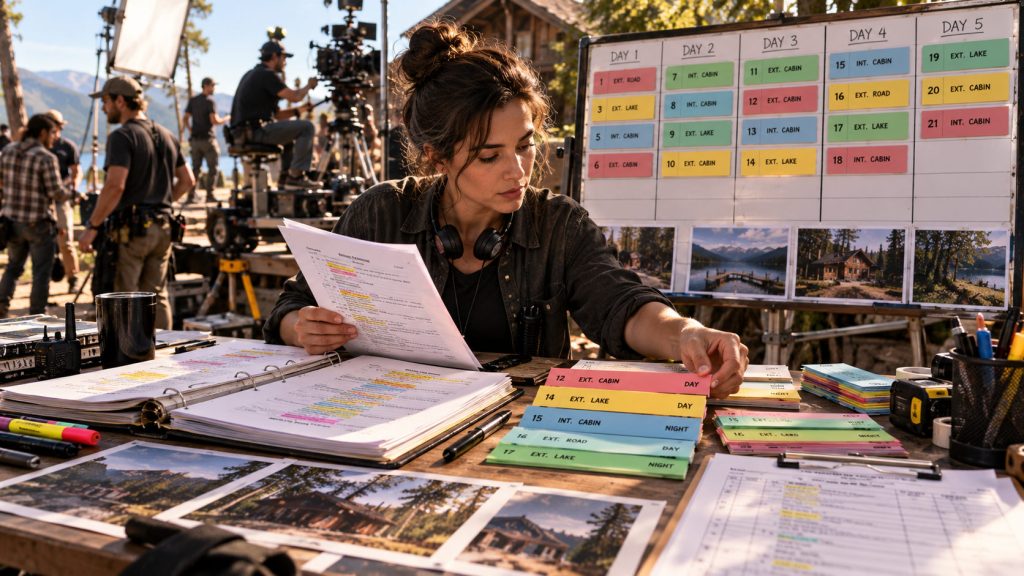
A production strip represents a scene and includes information the assistant director needs to organize the shoot, such as scene number, location, interior or exterior designation, day or night, page count, and relevant cast or production information.
The strips make it possible to view the film as a collection of production requirements rather than simply reading the screenplay from beginning to end.
For our short film, the breakdown may reveal that eight scenes occur inside the family home, four take place at the restaurant, and the remaining scenes are divided between the cabin and several exterior locations.
Although those scenes may be scattered throughout the screenplay, the production team can now see which ones share locations and resources.
That information becomes especially valuable when building the stripboard.
Step 5: Build the Stripboard Around Production Reality
A screenplay is usually written in story order.
A film is rarely shot that way.
Instead, the assistant director organizes scenes around locations, cast availability, lighting requirements, day and night work, company moves, and production complexity.
The stripboard is where those decisions become visible.
Suppose the screenplay opens with a scene at the family home, moves to the restaurant, returns to the family home, and then cuts to the remote cabin.
Filming in that order would create unnecessary movement between locations.
A more practical schedule might group the family home scenes together, photograph the restaurant scenes on another day, and schedule the remote cabin scenes as a separate location block.
That does not mean every scene at one location must be filmed consecutively. Cast availability, daylight, equipment requirements, and other constraints may change the plan.
However, grouping scenes intelligently can reduce location moves, equipment transportation, setup time, and unnecessary production costs.
Gorilla Scheduling Online lets filmmakers organize and rearrange production strips in a browser-based stripboard, helping them develop a shooting plan based on the realities of the project.
Step 6: Turn the Stripboard into Shoot Days
Arranging strips is not the same as creating a realistic shooting schedule.
The next step is deciding how much work the production can accomplish each day.
Page count provides a starting point, but it is not enough by itself.
Three pages of dialogue between two actors may be relatively straightforward to shoot. A half-page action sequence involving vehicles, stunts, multiple camera setups, and special effects could require an entire day.
The assistant director must evaluate scene complexity, estimated setup and shooting time, location requirements, cast availability, company moves, meal periods, and other production constraints.
Consider the cabin sequence.
On paper, the project may contain only three short exterior scenes at that location. But if the scenes require rain effects, a vehicle arrival, complex lighting, and a difficult camera setup, the team may need to dedicate most of a shoot day to them.
Compressing those scenes into an already overloaded day could create overtime, rushed work, or unfinished material.
A professional schedule balances the amount of work against the time realistically available.
Gorilla Scheduling Online supports organizing shoot days, managing scheduling information, and reviewing the resulting production plan through the stripboard and reports.
Related Link: How to Read a Shooting Schedule.
Step 7: Review Cast and Location Requirements
Before moving into budgeting, the schedule needs another important review.
How many days does each actor work? Are certain locations being used across multiple days? Can the production reduce company moves? Are there gaps between an actor’s shooting days? Does the schedule create unnecessary travel or holding costs?
These questions can have a significant financial impact.
A Day Out of Days report helps filmmakers understand how cast members and other scheduled elements are used across the production.
For example, suppose one actor appears in scenes scheduled on Days 1, 3, 6, and 9.
The producer may want to examine whether those scenes can be regrouped to reduce the number of separated work dates, subject to location, creative, and contractual constraints.
Similarly, a location scheduled for three scattered days may become less expensive or logistically easier if its scenes can be grouped into one continuous block.
The purpose is not simply to minimize days at any cost.
It is to identify scheduling choices that affect production efficiency and financial planning.
Step 8: Translate the Schedule into Budget Assumptions
At this point, the production has something far more useful than a screenplay.
It has a proposed shooting plan.
Now the financial questions become more specific.
How many crew days are required? How long will equipment be rented? What will the locations cost? How many actor work days need to be estimated? How much transportation, catering, lodging, and insurance should be included?
This is where the schedule becomes an important foundation for the production budget.
Consider a hypothetical six-day short film with an estimated daily crew cost of $4,000.
That creates a starting crew-cost estimate of $24,000 before applicable additional costs.
If the shooting schedule expands to eight days, the same simplified assumption produces $32,000 in crew costs.
That is an $8,000 increase before considering additional equipment rentals, catering, locations, transportation, and other expenses.
Of course, actual production budgets are more complicated. Crew may be hired on weekly terms, performers may have contractual guarantees, and equipment may be rented through package deals.
Related Link: How a Create a Film Budget from a Shooting Schedule.
Nevertheless, the example illustrates an essential principle:
Scheduling decisions create budget assumptions, and those assumptions need to be examined before production begins.
Step 9: Build the Budget with Professional Structure
Once the schedule has been evaluated, the producer or line producer can begin developing a detailed production budget.
A professional budget needs more than a grand total.
Costs must be organized into accounts and categories, with detailed quantities, rates, units, fringes, globals, and other financial assumptions.
Gorilla Budgeting Online provides a browser-based budgeting environment where producers can create and revise structured production budgets.
The topsheet provides an overview of the financial plan. Account and detail views show how the individual costs are calculated.
For our short film, the budget might include cast and crew costs, equipment rentals, location expenses, transportation, catering, art department, wardrobe, post-production, insurance, and contingency.
The line producer can then examine individual assumptions rather than simply accepting broad estimates.
For example, if the cabin requires a rain-effects crew and additional equipment, those costs need to appear somewhere in the budget. If the restaurant needs to be rented for a full day, the budget should reflect the agreed rental arrangement rather than only the amount of screen time the location receives.
This is how the production moves from a rough estimate toward a working financial plan.
Step 10: Use Rates, Globals, Fringes, and Reports
Production budgeting involves more than estimating quantities.
The producer also needs appropriate rates and calculations.
Globals can help manage reusable assumptions across budget calculations. Fringes account for additional payroll-related or contractual costs. Budget reports allow producers to review totals and examine spending assumptions at different levels of detail.
Gorilla Budgeting Online includes tools for globals, fringes, detailed accounts, reports, and integrated Gorilla Ratebook access.
Ratebook information can provide a useful starting point when estimating professional labor costs, although applicable agreements, classifications, locations, and production circumstances must still be verified.
Once the detailed budget is built, reports help communicate the financial plan to producers, financiers, department heads, and other decision-makers.
A topsheet may provide the overall financial picture, while account detail reports explain where the numbers come from.
Related Link: Film Budget Reports Explained.
The more clearly those assumptions are documented, the easier it becomes to evaluate the budget when a production decision changes.
Step 11: Test the Schedule Against the Budget
Building a schedule and a budget does not mean pre-production is finished.
The two plans now need to be evaluated together.
Suppose our short film’s initial budget is too expensive.
The producer may ask whether the shooting schedule can be reduced from eight days to seven. The assistant director may identify scenes that can be grouped more efficiently. The line producer may suggest changing an equipment rental period or reconsidering a costly location.
But every change requires careful review.
Reducing a shoot day may save some crew and equipment expenses while increasing overtime risk. Changing a location may lower its rental fee but introduce transportation or construction costs.
This process is not simply a matter of cutting numbers.
It is a conversation between creative priorities, scheduling practicality, and financial resources.
Gorilla Scheduling Online and Gorilla Budgeting Online support these complementary workflows, allowing filmmakers to develop schedules and budgets within the Gorilla Online production ecosystem.
However, a connection between scheduling and budgeting should not be interpreted as automatic approval or recalculation of every cost whenever a scene moves. The production team still needs to review the financial consequences of revised assumptions.
Step 12: Keep the Plan Current as Production Changes
Even a carefully prepared production plan will change.
Actors become unavailable. Locations fall through. Scenes are rewritten. The director changes a creative approach. A department discovers an unexpected cost.
The difference between a manageable production and a chaotic one often comes down to how these changes are communicated and reviewed.
In a disconnected workflow, the assistant director may revise one schedule while the producer works from an older budget. A department head may have yesterday’s report. An important scheduling change may be buried in an email thread.
Browser-based production tools can help teams work from centralized projects, reducing unnecessary file transfers and version confusion.
Gorilla Scheduling Online supports collaboration and access permissions through eligible plans, while Gorilla Budgeting Online provides its own online budgeting and sharing workflow.
The goal is to keep the production team closer to the latest working information.
That does not eliminate the need for approved revisions, clear communication, and professional judgment.
It simply makes the process of managing production information more practical.
A Modern Pre-Production Workflow for Independent Filmmakers
Independent productions often have fewer people handling more responsibilities.
A producer may also be the production manager. The assistant director may help coordinate locations. A single filmmaker may oversee the first schedule and budget before bringing additional crew members into the project.
That makes an organized script to schedule to budget process particularly valuable.
Instead of developing the screenplay, schedule, and budget as separate documents, filmmakers can use each stage to inform the next.
The script establishes the creative requirements.
The breakdown identifies the production elements.
The stripboard organizes scenes into a practical shooting sequence.
The schedule estimates when and how those scenes will be filmed.
The budget translates the plan into financial assumptions.
And the production team revises those assumptions until the creative plan and available resources are reasonably aligned.
For independent filmmakers, that kind of clarity can be more valuable than adding another piece of technology to the production.
The software should help organize the work, not become another production problem to solve.
Final Thoughts: A Screenplay Is the Beginning, Not the Production Plan
A good screenplay gives filmmakers something worth making.
A good script breakdown reveals what making it will require.
A good shooting schedule organizes those requirements into a practical plan.
And a good budget shows what that plan is likely to cost.
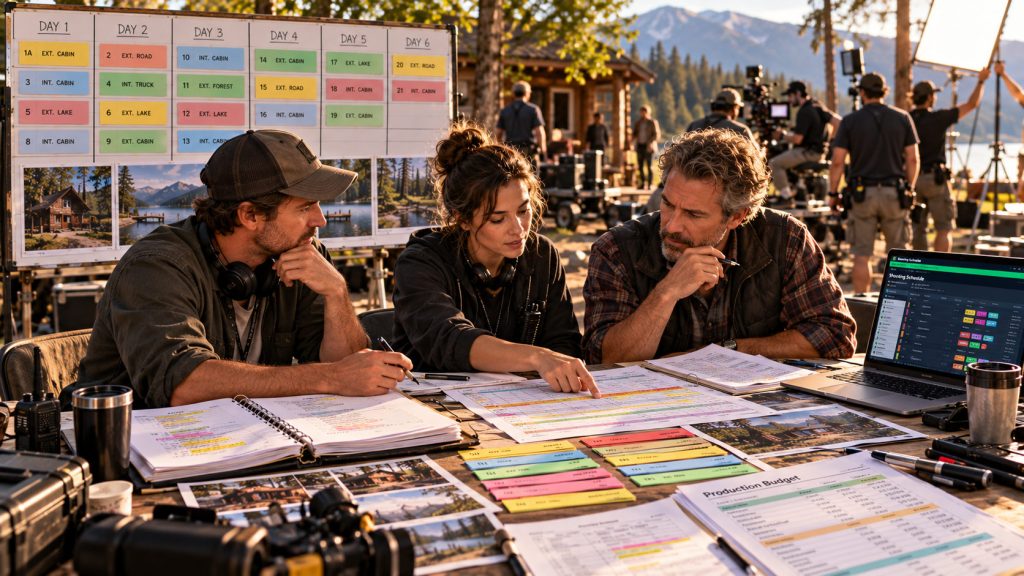
The script to schedule to budget workflow connects creative decisions with the logistical and financial realities of filmmaking.
With Gorilla Scheduling Online and Gorilla Budgeting Online, filmmakers have modern browser-based tools for organizing that process, from screenplay import and scene breakdown through scheduling, budgeting, collaboration, and production reports.
The goal is not to make every decision automatically.
It is to give producers, assistant directors, line producers, and production managers better information while they still have time to make those decisions.
Because the most expensive production problems are often the ones that could have been discovered during pre-production.
Explore Gorilla Online
Import screenplays, break down scenes, organize production elements, build stripboards, create shooting schedules, and generate professional reports.
Build professional production budgets with accounts, detail lines, globals, fringes, Ratebook integration, and budget reports.
Speed up the first pass of script breakdown with AI-generated element suggestions that filmmakers can review and approve.
Create storyboards and shot lists for your project.
Explore the Gorilla Online production software ecosystem.