
Page One is a full-cycle screenwriting app — real industry formatting, colored revision tracking, and production-ready breakdown tools, so a script never has to leave it until it’s ready for the set.
Page One is a full production-grade screenwriting app — real formatting, real revision tracking, real breakdown tools — built so a script never has to leave it until it's ready for the set.
Scene Heading, Action, Character, Dialogue, Parenthetical, Transition, and Shot format themselves as you type and Tab between them — the same rhythm as a real shooting script.
Screenplay, TV, Graphic Novel, and Text templates — Industry Standard, BBC, Broadway Musical, Multi-Cam Sitcom, Dark Horse Graphic Novel, Manuscript, and more — each with its own real house-style margins and fonts.
Started as a spec script and landed a TV writers' room? Switch the whole document to a different template without starting over.
Suggests character names, scene locations, and times of day as you type, and finishes a transition for you the moment you type it — "CUT TO:" becomes a Transition instantly.
Type int. or ext. anywhere and the line becomes a proper Scene Heading the moment you hit the period.
Choose exactly which element styles the Tab key cycles through, per template — skip the ones you never use.
Bold, italic, single/double/dotted underline, strikethrough, all caps, text color, and highlight — right where you're typing.
Reopen a script and a quiet prompt offers to jump straight back to the exact line you were on.
Keep typing through a dead connection — on a plane, on a set with no signal — and Page One syncs everything the moment you're back online.
A collapsible sidebar listing every scene in order, for jumping anywhere in a long script in one click.
See your outline as index cards. Reorder scenes by dragging, the way you would on a corkboard.
Work in two panes at once — script on one side, cards, tagging, or another scene on the other.
Scenes number themselves automatically, with full control over placement and numbering scheme, and group into named sequences or acts.
Jump straight to any page, or search the full script for a word, name, or line.
Pull a scene out of pagination without deleting it — it stays visible, dimmed, right where it was.
Format two characters talking at once, side by side, and keep both columns fully editable in place.
Track your progress, and pin a private note to any line that never prints with the script.
Fix your formatting errors before you print or export to scheduling.
Freeze your current page numbers before pages go out for a table read or production, exactly like a real set copy.
Full colored revision sets — Blue, Pink, Yellow, Green, and beyond — tracked automatically as changes land, with a one-click Full Draft reset.
Tag cast, props, wardrobe, vehicles, and any custom category directly in your script text as you write.
Build your own tag categories beyond the standard set for whatever your production actually needs to track.
Tag an entire script — or a single scene — automatically, then review and confirm every suggestion before it's final.
Automatic snapshots every 15 minutes with 30 days of history, so a bad edit or a bad day is always one click from undone.
A full profile per character — photo, role, age range, backstory, family history, education — as deep as a character needs to go.
Map how every character relates to every other one, in one place.
Pull every scene, or every line of dialogue, for a single character in one report.
Rename a character once and every cue and mention across the whole script updates with it.
Invite a co-writer or a reader as an Editor or a Viewer, and work in the same script at once.
Right-click any line to leave a comment, and follow the whole conversation in a running panel beside the page.
Chat with up to two co-writers and hand-off edit mode to either one.
Use drag-and-drop Index Cards to outline your story before you write it.
Post colorful sticky notes anywhere on the script.
Import an existing .fdx script, or export one — full formatting, notes, and structure intact either way.
Bring in a PDF script and Page One reconstructs its real scene structure, or print any script straight to a clean PDF.
Export a script in .sex format, ready to load straight into Movie Magic Scheduling.
Page One's own .json format round-trips everything — title page, tags, revisions, lock state, character bios, comments — byte for byte.
Push script changes straight into a linked Gorilla Scheduling Online project, or pull the latest script back in — two-way, on demand.
Stamp custom text across every printed page for a secure table read or a controlled distribution.
A fully customizable title page, plus your own header and footer fields, positioned exactly where you want them.
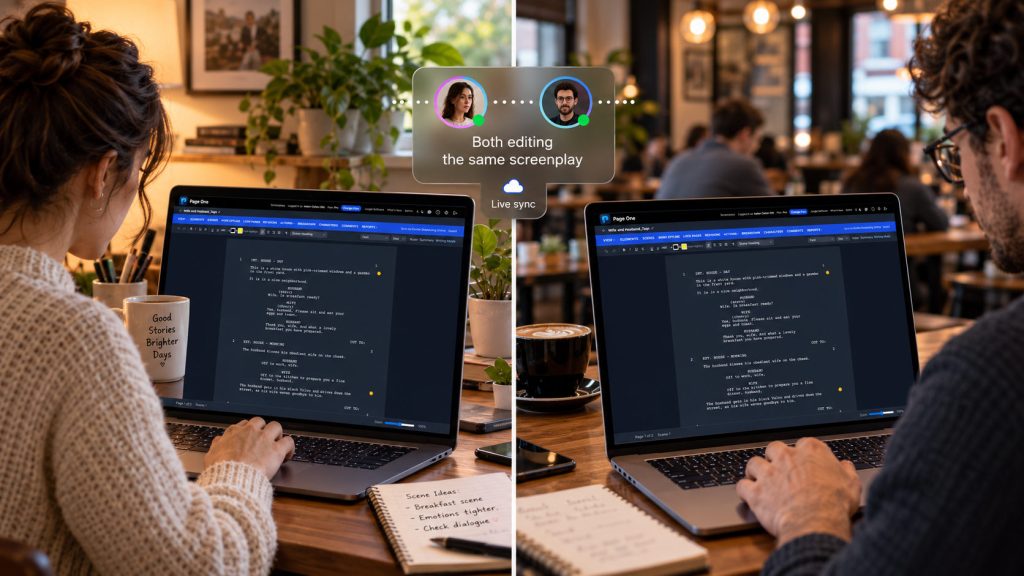
Invite your writing partner to work on the screenplay, share updates, review changes, and keep screenplay information up-to-date. Page One helps reduce the back-and-forth of passing files between partners.
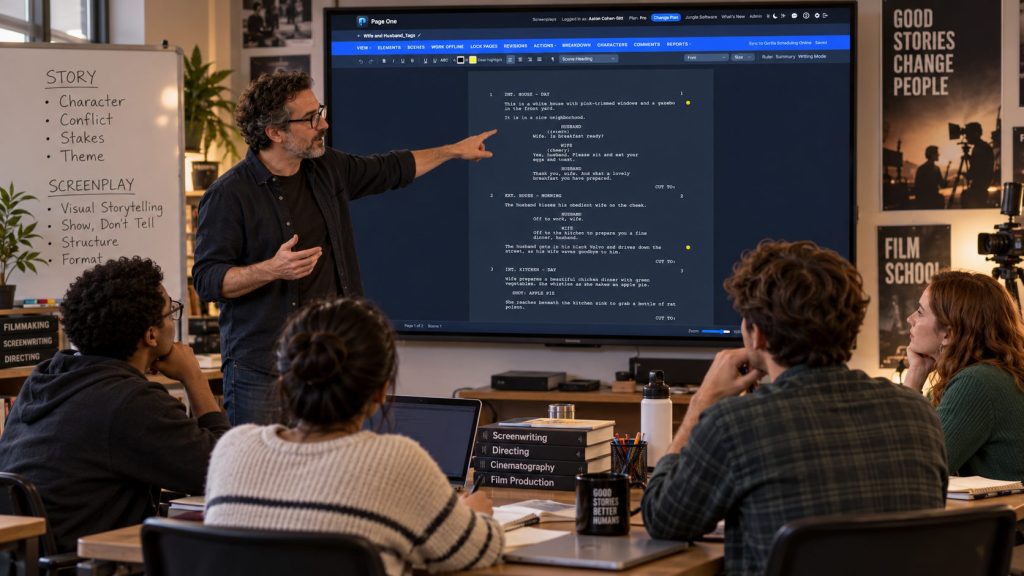
Page One includes tools designed for educational use, giving instructors a practical way to teach screenwriting – -outlining, character building, script breakdown, production planning, and reporting in a browser-based environment.