
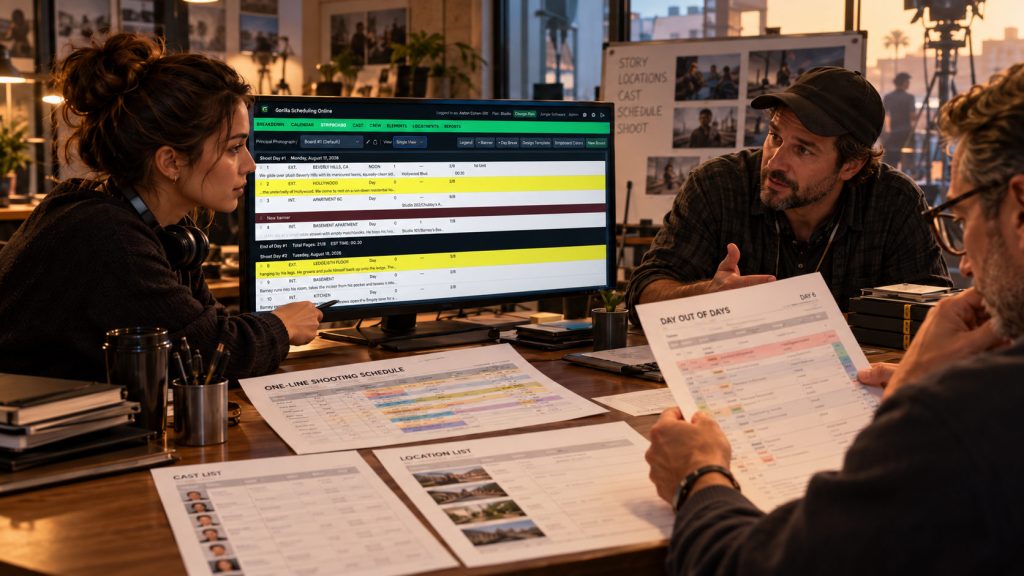
The assistant director sends out a revised shooting schedule on Monday. By Tuesday morning, the producer has suggested several changes, the production manager has identified a location conflict, and the director wants to move an important scene to another day.
Three people now have three slightly different versions of the same schedule.
Meanwhile, the line producer is reviewing an older PDF, the coordinator has printed yesterday’s stripboard, and someone has just emailed a file named Shooting_Schedule_FINAL_v7_REVISED.pdf.
Sound familiar?
This is one of the biggest challenges in film scheduling collaboration. The more people involved in planning a production, the harder it becomes to keep everyone working from accurate, up-to-date information.
For years, filmmakers have managed this problem by emailing project files, exporting reports, sharing spreadsheets, and carefully tracking revisions. Those methods can work, but as a production becomes more complicated, the process itself can become another job.
With online film scheduling software such as Gorilla Scheduling Online, production teams have another option: collaborate around a centralized scheduling project instead of continually passing working files back and forth.
Why Film Scheduling Collaboration Gets Complicated
A shooting schedule is not a static document.
It changes throughout pre-production as cast availability becomes clearer, locations are confirmed, scenes are rewritten, production requirements evolve, and budgets are revised.
The assistant director may build the schedule, but many other people contribute information that affects it.
The producer needs to understand overall production feasibility. The director has creative priorities. The production manager coordinates logistics. The location manager knows when specific locations are available. Department heads understand preparation requirements. Meanwhile, the line producer is evaluating the financial consequences of scheduling decisions.
All of those people may need to review the schedule, but they do not necessarily need to edit it.
That distinction matters.
Effective film scheduling collaboration does not mean giving everyone unrestricted control over the stripboard. It means creating a workflow where relevant information reaches the right people, changes can be reviewed, and the working schedule remains organized.
The Problem with Emailing Schedule Files
Email is useful for communication. It is not always the best place to manage a constantly changing production schedule.
Consider what happens when an assistant director sends the working schedule to three collaborators.
The producer reviews it and suggests a change. The production manager notices a location problem and sends back another version. The director reviews a PDF and requests a different scene order.
Each person is responding to the schedule they received, but that may no longer be the schedule being actively revised.
Even when everyone is careful, the process creates uncertainty.
Which version contains the latest cast availability? Did the location change make it into the revised stripboard? Has the producer reviewed the additional shoot day? Does the budget reflect the current plan?
The challenge is not merely that too many files exist. It is that decisions become disconnected from the version of the schedule on which they were based.
A schedule can be perfectly organized on one person’s computer while the rest of the team is making decisions from outdated information.
That is where file-based collaboration begins to break down.
When One Schedule Becomes Several Different Schedules
Imagine a small independent film preparing for a twelve-day shoot.
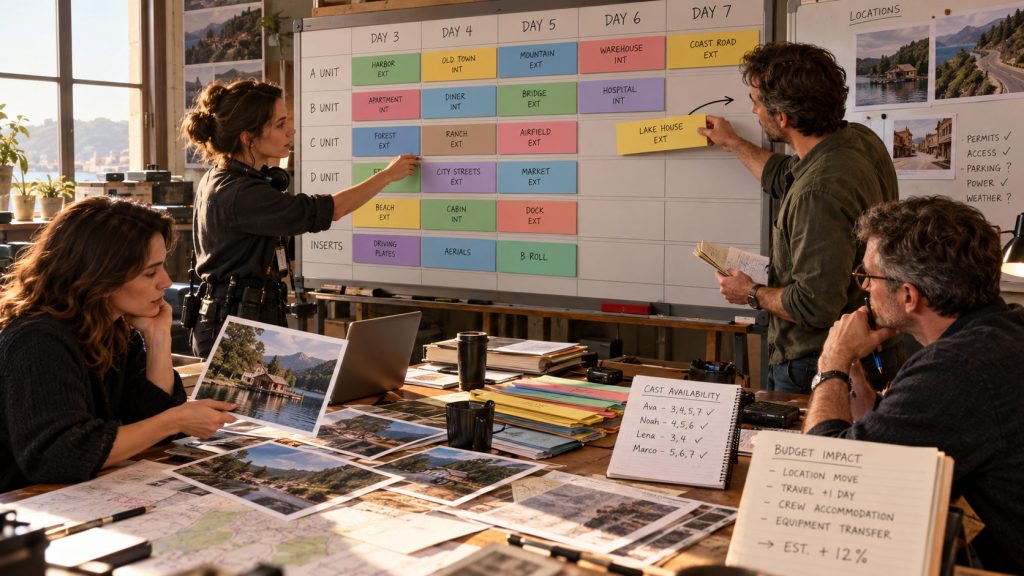
The assistant director has organized scenes by location and cast availability. Everything fits reasonably well until one of the primary locations becomes unavailable on Day 4.
The location manager informs the production manager, who contacts the assistant director. The AD moves the affected scenes to Day 7 and reorganizes several strips to make the new plan work.
However, the producer is still reviewing the earlier schedule, and the line producer has already started adjusting budget assumptions based on the original shoot days.
Suddenly, the schedule and budget are telling different stories.
A cast member may now be required on an additional day. Equipment may need to be held longer. A location move could affect transportation, crew time, and catering.
Related Article: How a Shooting Schedule Impacts Your Film Budget (And Vice Versa)
None of these changes is especially unusual in film production.
The problem is that important information becomes fragmented as revisions move between people and files.
A more connected workflow helps reduce that fragmentation by making the working project a shared reference point.
Film Scheduling Collaboration Needs a Central Working Project
One of the advantages of online scheduling is that the production team can work from a centralized project.
Instead of maintaining multiple independent working copies, collaborators can access the project through their own accounts, according to the access permissions available to them.
For the assistant director, this helps keep scheduling responsibility focused. The AD can continue organizing production strips, revising shoot days, and managing breakdown information without relying entirely on emailing project files between collaborators.
The producer can review the project and provide feedback. A production manager can examine scheduling requirements. Other authorized team members can access the information relevant to their responsibilities.
This does not mean every scheduling decision becomes automatic.
The assistant director still needs to evaluate whether a revised day is practical. Producers still need to consider cost. Department heads still need to prepare for the work.
The difference is that the discussion can take place around a more consistent set of production information.
And when the schedule changes, the team has a clearer place to find the current working plan.
Collaboration Does Not Mean Everyone Edits Everything
There is a reason productions have defined responsibilities.
The first assistant director typically manages the shooting schedule. Producers and production managers help shape the plan, but department heads may only need to review specific information or communicate conflicts.
Giving everyone identical editing privileges can create just as much confusion as sharing too many files.
A better system separates collaboration from control.
Some people need permission to make changes. Others may need to review information, leave comments, or provide feedback without changing the underlying schedule.
Gorilla Scheduling Online supports project collaboration with invitation-based access and roles or permissions, depending on the subscription plan.
This allows the project owner to invite collaborators and provide appropriate access instead of sharing a single login or distributing editable project copies.
The goal is not to have more people editing the schedule.
The goal is to help the right people participate without losing control of the production plan.
Why Comments Can Be More Useful Than Another Email
A scheduling question often concerns one specific scene, location, performer, or production requirement.
For example, the location manager may need to explain that a location is unavailable after sunset. A producer may want to question why two scenes are scheduled on different days. The director may want additional time for a complicated sequence.
Traditionally, these conversations may happen in email threads, phone calls, meetings, or notes written on exported schedules.
The problem comes later, when someone tries to remember which decision was made and whether the current schedule reflects it.
Comments within an online production project can help keep feedback closer to the work being discussed.
Gorilla Online supports commenting for collaborators whose plans and permissions allow it. That makes it possible to review scheduling information and provide input without necessarily granting full editing access.
Of course, not every conversation needs to happen inside software. Production meetings and direct communication remain essential.
However, keeping appropriate comments within the working project can reduce the number of decisions buried inside unrelated email threads.
The Stripboard Should Remain the Center of Scheduling
Collaboration is important, but the stripboard remains one of the most useful tools for understanding the shooting plan.
Each production strip represents a scene or scheduling unit. Those strips are arranged into shoot days based on cast, locations, scene complexity, day and night work, and other practical considerations.
When an assistant director moves a strip, the effect may extend beyond that scene.
A new location grouping may create a company move. A change in scene order may affect cast availability. Adding a shoot day may increase the budget. Compressing two days into one may introduce overtime risk.
That is why collaborative scheduling must remain grounded in professional stripboard logic.
Gorilla Scheduling Online provides a browser-based stripboard connected to scene breakdowns, cast, locations, and shooting-day information.
Rather than replacing established scheduling methods with a generic shared calendar, the application keeps the familiar production structure while making the project accessible online.
Reports Are Still Essential for Communication
Moving scheduling online does not eliminate the need for production reports.
The assistant director still needs to distribute clear information. The producer may need a one-line schedule. The line producer may require Day Out of Days information. Department heads may need breakdown sheets, cast information, location reports, or other production documents.
In fact, better collaboration can make reports more valuable because the team has a clearer working source from which to generate them.
Gorilla Scheduling Online can create professional scheduling reports using information from the active project.
This helps reduce the need to re-enter production data simply to prepare a separate document.
However, there is an important distinction between the working schedule and a distributed report.
A PDF or printed shooting schedule represents the plan at the time it was generated. It does not automatically change when the working project is revised.
That is why productions still need a clear process for issuing updated reports and communicating major revisions, even when the schedule itself is maintained online.
Collaboration Also Helps Protect the Budget
A shooting schedule is one of the biggest influences on production costs.
Changes to shoot days, location groupings, cast usage, equipment periods, and company moves can affect the budget before the production even begins.
This makes scheduling collaboration especially important for producers and line producers.
If an assistant director changes the schedule but the budget team does not know about it, financial assumptions can quickly become outdated.
Likewise, a producer may identify a budget problem that could be reduced by rearranging the shooting plan.
The schedule and budget need to remain in conversation.
Gorilla Scheduling Online and Gorilla Budgeting Online are part of the broader Gorilla Online production environment, giving filmmakers access to dedicated scheduling and budgeting tools.
Together, they support a more connected production planning approach. However, sharing information should not be confused with automatically recalculating every financial consequence of a schedule change.
A producer still needs to review the assumptions behind cast costs, crew days, equipment rentals, locations, and other budget items.
Good production software supports that judgment. It does not replace it.
What Happens When the Internet Connection Disappears?
One concern about online film scheduling is what happens when the production team loses internet access.
This is a legitimate issue for filmmakers, particularly when scouting remote locations or working on sets with unreliable connectivity.
Fortunately, online scheduling does not always have to mean being continuously connected.
Gorilla Scheduling Online includes a Work Offline feature that allows users to continue selected scheduling tasks in a streamlined browser-based offline mode.
For example, users can edit breakdown sheets, manage scheduling elements, create shoot days, add crew information, and rearrange the stripboard while offline.
When connectivity returns, supported changes can synchronize with the online project.
This is particularly useful when production work moves between offices, locations, travel, and remote environments.
Offline work does introduce another responsibility: collaborators should ensure changes have synchronized before treating the online project as fully current. Any overlapping edits or sync warnings should be reviewed rather than ignored.
That is part of maintaining a reliable collaborative workflow.
Film Scheduling Collaboration for Independent Productions
Independent filmmakers sometimes assume collaboration tools are intended mainly for large studio productions.
In reality, smaller teams may benefit just as much.
An indie producer may also be serving as production manager. The assistant director may be coordinating directly with locations, cast, and department heads. A handful of people may be making decisions that larger productions distribute across several departments.
When everyone is wearing multiple hats, unnecessary administrative work becomes especially expensive.
A centralized scheduling project can reduce the time spent comparing files, looking for updated information, and reconstructing decisions.
This is not about adding complicated approval processes to a small production.
It is about making the existing workflow easier to manage.
A five-person team still needs to know which schedule is current.
Film Schools Can Teach Better Collaboration Habits
Film production students need to learn more than how to build a technically correct stripboard.
They also need to understand how scheduling decisions affect other members of the production team.
A student assistant director may create a schedule that looks reasonable but ignores cast availability. Another may group scenes efficiently without considering the work required by art department or locations.
These are useful teaching moments because real production planning requires communication across departments.
Online scheduling gives instructors another way to teach those relationships.
Students can work in browser-based projects, collaborate according to their roles, and review how scheduling decisions affect the larger production.
The emphasis should remain on understanding professional responsibilities, not simply learning where to click.
A strong student schedule is not just a document that looks correct.
It is a production plan that the rest of the team can understand and work from.
A Better Film Scheduling Collaboration Workflow
Whether your production uses Gorilla Scheduling Online or another professional scheduling system, successful collaboration begins with a few practical habits.
First, establish who owns the working schedule. Most productions benefit from having a clearly designated person responsible for approving and implementing scheduling changes.
Next, define how other people provide feedback. A location conflict, cast availability issue, or budget concern should have an established route back to the person managing the schedule.
It is also important to distinguish a working revision from an officially distributed schedule. Team members should know when information is still being reviewed and when an updated version has been approved for wider use.
Finally, maintain a consistent source of working production information. Online project access can help, but only when the team understands how updates, permissions, reports, and communication fit together.
Film scheduling collaboration is not simply about sharing access. It is about sharing accurate information while preserving clear responsibility for decisions.
Final Thoughts: Stop Managing Files and Start Managing the Production
Film productions will always change.
Scripts will be revised. Locations will become unavailable. Cast schedules will shift. Producers will question costs. Assistant directors will reorganize scenes to make the shooting plan more practical.
None of that is unusual.
The problem begins when each change creates another file, another email, and another opportunity for the production team to work from outdated information.
Better film scheduling collaboration helps reduce that confusion.
With Gorilla Scheduling Online, filmmakers can build schedules, organize stripboards, manage production information, invite collaborators, review updates, and generate reports from a browser-based project.
The goal is not to eliminate communication or replace the judgment of experienced filmmakers.
It is to make sure the team is discussing the same production plan.
Because the assistant director already has enough problems to solve.
Figuring out which file is actually the latest should not be one of them.
Explore Gorilla Online
Build professional shooting schedules, import screenplays, create breakdown sheets, organize stripboards, generate reports, and collaborate with your team online.
Build and manage detailed production budgets in the browser, with professional accounts, fringes, globals, rates, and reports.