
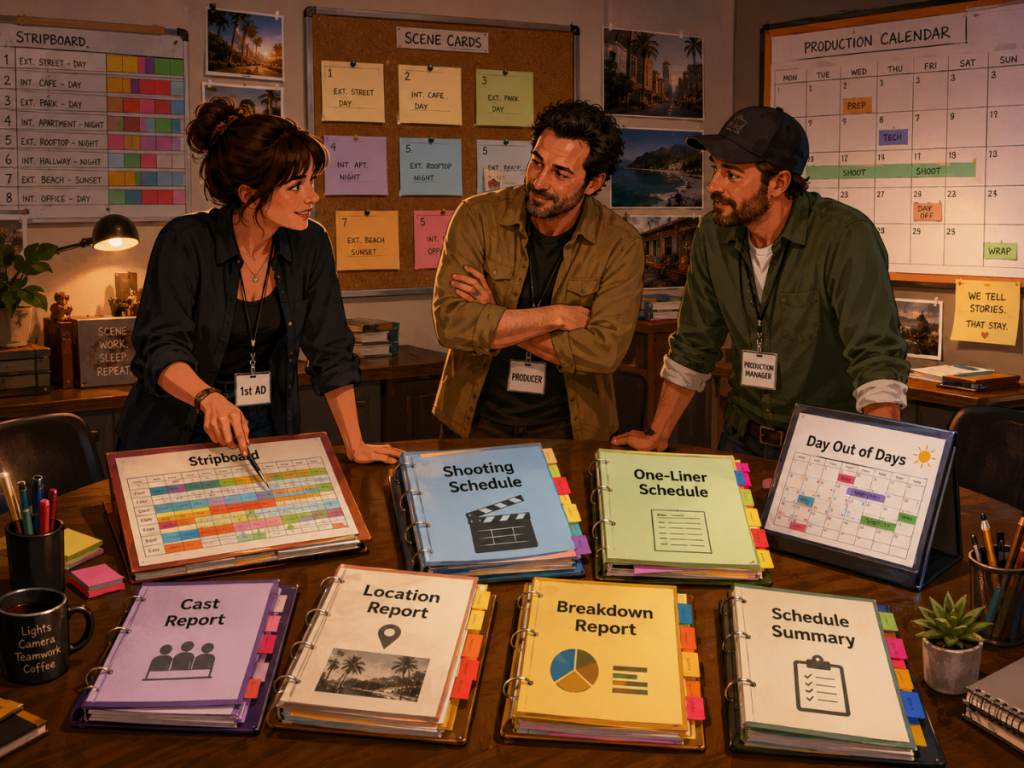
A film schedule is not just one document.
It is a living production system.
The stripboard shows how scenes are arranged. The shooting schedule shows what will be filmed and when. The one-liner gives the team a quick overview. The Day Out of Days report tracks actor and element work patterns. Cast reports, location reports, breakdown reports, and other scheduling documents help producers and assistant directors understand what the production actually needs.
That is why film scheduling reports matter.
A good scheduling report does more than list information. It helps the team make decisions before those decisions become expensive problems on set.
Which actor works the most days?
Are locations grouped efficiently?
Are night scenes clustered correctly?
Are too many difficult scenes stacked together?
Do certain props, vehicles, or wardrobe pieces appear across multiple days?
Can the budget use schedule data instead of guesswork?
This guide explains the key film scheduling reports every assistant director, producer, production manager, and filmmaker should understand.
What Are Film Scheduling Reports?
Film scheduling reports are documents generated from the production schedule and script breakdown. They organize scheduling information into formats that different members of the production team can use.
Some reports give a broad overview of the shoot. Others focus on cast, locations, breakdown elements, shoot days, or production strips.
The purpose is simple: scheduling reports help the team understand the plan.
A stripboard helps the assistant director arrange scenes.
A shooting schedule shows what scenes shoot on which days.
A one-liner summarizes the schedule in a compact format.
A Day Out of Days report shows when cast or elements work.
A cast report helps track performers.
A location report helps group physical places.
A breakdown report helps departments see what the script requires.
Together, these reports turn the schedule into a practical production map.
Related internal link opportunity: Film Production Reports Explained.
Why Scheduling Reports Matter
A production schedule affects almost everything.
It affects cast work days, location rentals, crew hours, equipment rentals, transportation, company moves, meal planning, overtime risk, budget assumptions, and call sheets.
If the schedule is unclear, the entire production feels it.
A scene may be planned for the wrong location.
A cast member may be needed on a day they were not expected.
A prop may appear earlier than the art department realized.
A night shoot may create a staffing or cost issue.
A company move may turn a reasonable day into a clock-eating goblin.
Scheduling reports help catch those issues before the shoot day arrives.
For assistant directors, reports help organize the shooting plan. For producers, reports help reveal cost and efficiency. For production managers, reports help coordinate people, locations, and resources. For department heads, reports help prepare upcoming work.
The schedule is the plan. The reports are how the plan becomes visible.
Stripboard Reports
The stripboard is the heart of traditional film scheduling.
Each production strip represents a scene or scheduling unit. Strips usually include key information such as scene number, set, location, day or night, page count, cast, and other details. The assistant director arranges these strips into shooting order.
A stripboard report helps the team see the structure of the schedule.
It can show:
How scenes are grouped.
Where day breaks fall.
Which scenes are assigned to each shoot day.
How many pages are scheduled per day.
Which locations or sets are grouped together.
How cast-heavy or complex each day may be.
The stripboard is useful because it makes scheduling strategy visible. You can look at the board and see whether the plan makes sense.
In Gorilla Scheduling, stripboards can be displayed horizontally or vertically, sorted by multiple criteria, customized by layout, and organized into multiple boards. Gorilla also supports banners, a boneyard for sidelined strips, split-screen stripboard views, and automatic stripboard backups to Excel.
That gives assistant directors flexibility while keeping the schedule organized.
👉 What Is a Stripboard in Film Production?
Shooting Schedule Reports
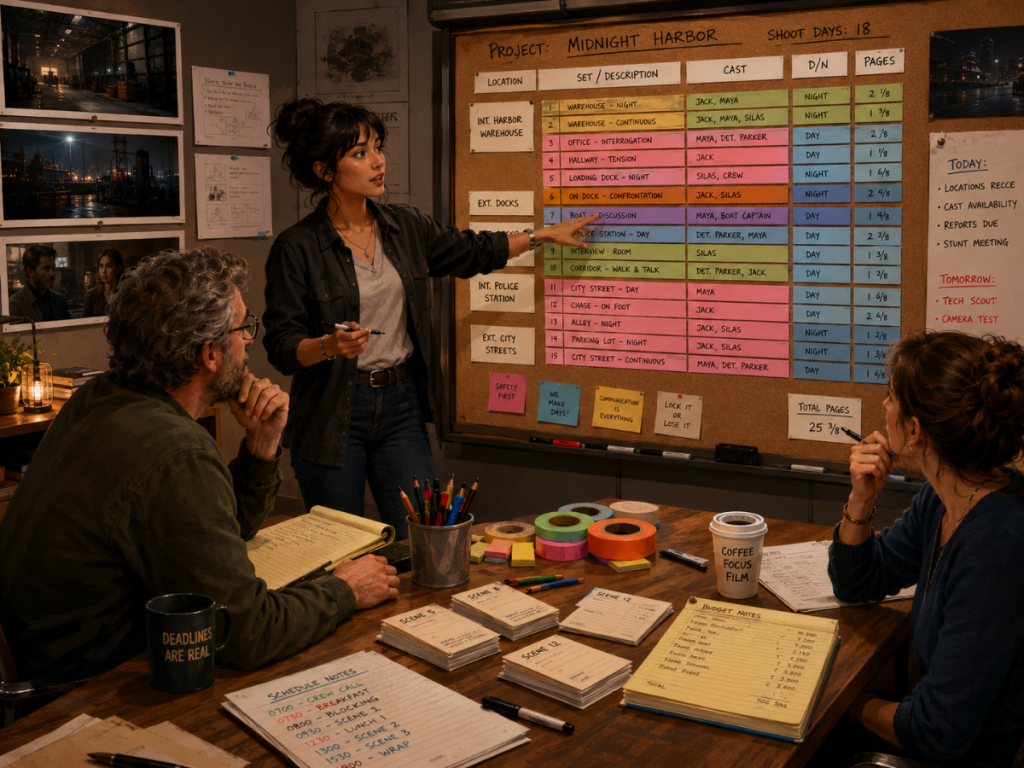
The shooting schedule is the main report that shows what scenes will be filmed and when.
While the stripboard helps build the schedule, the shooting schedule presents the plan in a format that the production team can review and share.
A shooting schedule report may include:
Shoot day.
Scene number.
Set or location.
Interior or exterior.
Day or night.
Page count.
Cast required.
Notes.
Company moves.
Special scheduling considerations.
This report is essential because it gives the team the working order of the shoot.
👉 How a Shooting Schedule Impacts Your Film Budget
Producers use it to understand production efficiency. Assistant directors use it to manage the plan. Department heads use it to prepare. The budget team may use it to understand how many days, locations, and elements the production requires.
A good shooting schedule report should be clear enough to share, but detailed enough to support real production decisions.
👉 How to Read a Shooting Schedule
One-Liner Schedule Reports
A one-liner schedule is a condensed version of the shooting schedule.
It gives the team a quick view of the shoot without showing every detail from the stripboard or full schedule. It is often easier to read, easier to distribute, and useful for people who need the big picture.
A one-liner schedule may include:
Shoot day.
Scene number.
Set or location.
Day or night.
Page count.
Brief scene description.
Key cast.
Important notes.
The one-liner is especially useful during planning meetings because it helps everyone understand the flow of production quickly.
A director can see the creative sequence.
A producer can see the production footprint.
A department head can see what is coming.
A production manager can spot location or timing issues.
It is not meant to replace the full schedule. It is meant to make the schedule easier to digest.
👉 What Is a One-Liner Schedule in Film Production?
Day Out of Days Reports
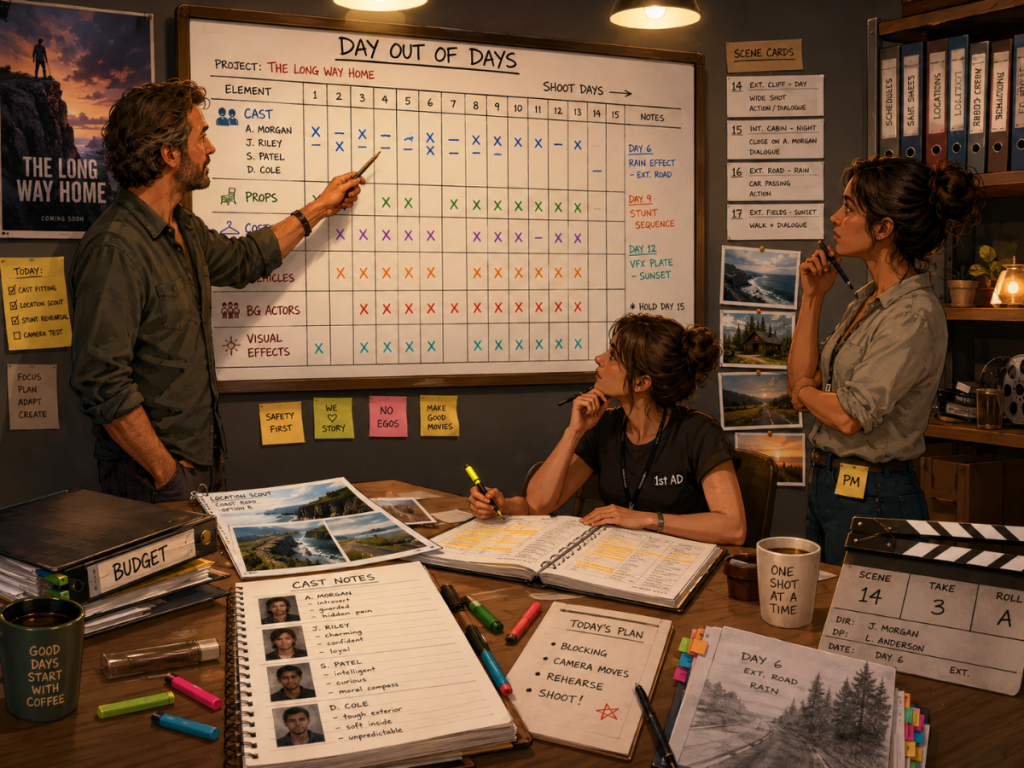
A Day Out of Days report, often called a DOOD, shows when cast members work across the shooting schedule.
For actors, a DOOD may show start work, work days, hold days, travel days, idle days, and finish work. This helps producers and assistant directors understand cast scheduling patterns.
A DOOD can answer questions such as:
How many days does each actor work?
Are cast days grouped efficiently?
Are there gaps that increase cost?
Can an actor’s scenes be consolidated?
Does the schedule create unnecessary hold days?
The DOOD is one of the most important scheduling reports because cast availability and cost can strongly affect the production.
But DOOD reports can also extend beyond cast.
Gorilla Scheduling can create DOOD reports for cast and for other breakdown element categories, such as props, set dressing, costumes, background actors, visual effects, and more. This lets the production track when important elements appear across the schedule, not just performers.
When Gorilla Scheduling is linked with Gorilla Budgeting, DOOD totals can also help inform budget line day counts. That makes the DOOD a powerful bridge between schedule and budget.
👉 What Is a Day Out of Days Report?
Cast Reports
A cast report organizes information about performers in the production.
Depending on the workflow, it may show character names, actor names, scene appearances, work days, contact information, availability notes, start work, finish work, or other scheduling details.
Cast reports are useful because actors are one of the biggest scheduling drivers.
If a cast member appears in many scenes, the schedule may need to group those scenes efficiently. If an actor has limited availability, the schedule has to work around it. If a supporting role only appears in a few scenes, the production may be able to reduce the number of work days by grouping those scenes carefully.
A cast report helps the assistant director and producer make those decisions clearly.
It also helps with call sheets, DOOD reports, and budget planning.
👉 How to Schedule Actors for a Film Shoot
Location Reports
A location report organizes scenes by physical shooting location.
This is important because location planning affects permits, travel, parking, holding, dressing rooms, power, sound issues, company moves, location fees, and department logistics.
A location report can help answer:
Which scenes shoot at each location?
How many days does each location appear?
Are locations grouped efficiently?
Are there unnecessary company moves?
Do certain locations require special equipment or permits?
Which scenes need day or night work at the same location?
Location reports are especially valuable during scheduling because location grouping can save time and money.
A poorly grouped schedule can drag the company across town repeatedly. A stronger schedule may consolidate scenes and reduce travel, setup time, and location costs.
Gorilla Scheduling includes detailed location records, allowing filmmakers to track information such as address, contacts, permits, photos, available days, shoot days, electrical details, ceiling height, lighting needs, holding areas, actor changing areas, and rate information.
👉 How to Schedule Locations for a Film Production
Breakdown Reports
Breakdown reports show the elements identified in the script breakdown.
These can include cast, background actors, props, wardrobe, vehicles, stunts, special effects, visual effects, animals, makeup, set dressing, locations, and other categories.
Breakdown reports are important because many scheduling issues are hidden inside the script.
A simple scene may contain:
A prop that needs to be rented.
A costume that appears across several scenes.
A stunt that requires extra time.
A vehicle that must be scheduled.
A background actor group.
A special effect that changes the shoot day.
A breakdown report helps departments prepare before those needs become surprises.
Gorilla Scheduling supports tagging and organizing breakdown elements, including elements imported from screenplay data. Those elements can then support scheduling decisions, reports, DOODs, and budget integration.
👉 How to Break Down a Script for Film Production
Element Reports
Element reports focus on specific breakdown categories.
Instead of viewing every breakdown item at once, the production may need a report for one category, such as props, costumes, vehicles, stunts, background actors, visual effects, animals, or set dressing.
These reports help department heads prepare their work.
A props report can show which props appear in which scenes.
A wardrobe report can show which costumes are needed across shoot days.
A vehicle report can help schedule picture cars or production vehicles.
A stunts report can help identify scenes requiring special planning.
A background actor report can support casting and holding logistics.
Element reports can also help producers see production complexity.
A scene with one actor sitting at a table is different from a scene with background actors, picture cars, stunts, practical rain, hero props, and special wardrobe needs. The script may only be a page long, but the production footprint may be much larger.
That is why breakdown-based scheduling reports are so useful.
Schedule Summary Reports
A schedule summary report gives producers and production managers a high-level view of the schedule.
Depending on the production, it may summarize total shoot days, pages per day, scenes per day, day/night splits, location counts, cast work patterns, and other scheduling metrics.
This kind of report helps answer big-picture questions:
How many shoot days are planned?
How many pages are scheduled per day?
Which days look too heavy?
How many night shoots are included?
How many locations are involved?
Are there days with too many company moves?
Does the schedule look realistic?
A schedule summary can be especially useful before the schedule is approved. It helps producers look beyond individual scenes and evaluate the overall plan.
It is the bird’s-eye view, minus the bird, because birds do not care about page counts.
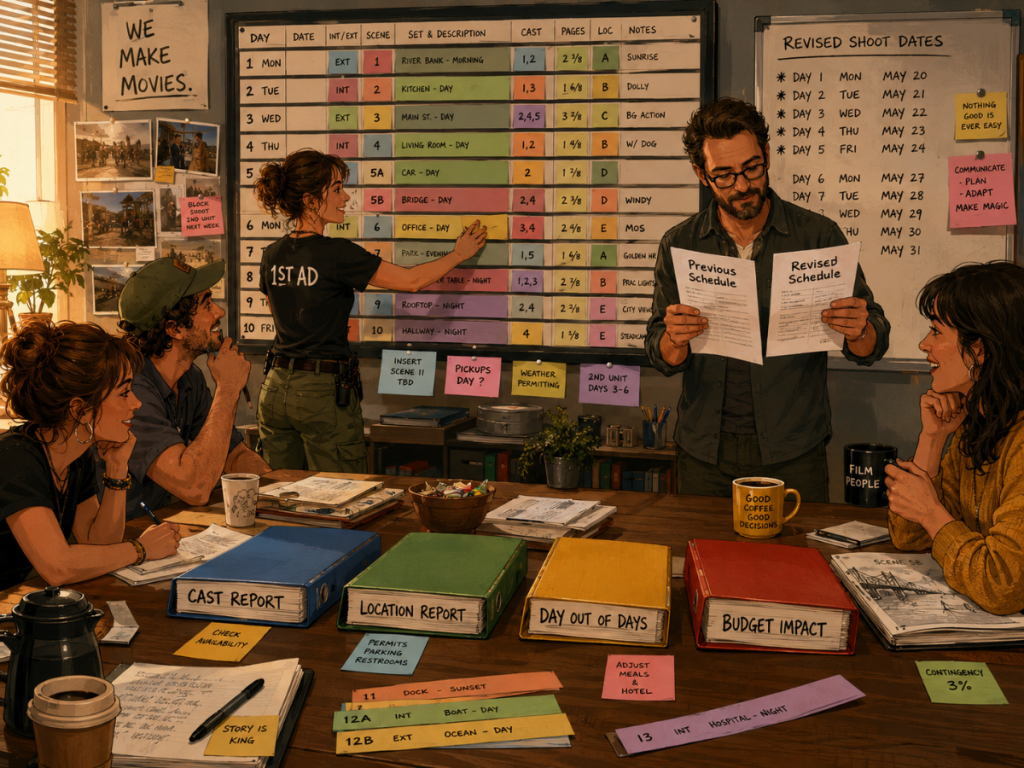
Reports for Scheduling Revisions
Schedules change. That is not a flaw. That is production.
The important thing is whether the team can understand the impact of those changes.
When scenes move, the reports should help reveal what else changes:
Cast work days.
Location days.
Day Out of Days totals.
Budget assumptions.
Call sheet planning.
Production calendar milestones.
Department prep needs.
This is where connected scheduling reports become especially valuable. If the schedule changes but the reports are disconnected, someone has to update everything manually. That creates room for errors.
A revised schedule should not create a scavenger hunt through old PDFs, spreadsheets, and email attachments.
Good scheduling software helps the team revise the plan while keeping the reports tied to the latest schedule information.
👉 Film Scheduling Software vs Spreadsheets
How Scheduling Reports Connect to the Budget
Scheduling reports do not only help with time. They also help with money.
The budget depends on the schedule in many ways:
How many shoot days are planned.
How many days cast members work.
How many days locations are needed.
How many days equipment is rented.
How many company moves are required.
How many nights, weekends, or special conditions are scheduled.
How many days certain props, vehicles, costumes, or effects are needed.
If the schedule changes, the budget may change too.
This is why a strong scheduling workflow should connect with budgeting whenever possible. When the scheduling data can inform the budget, producers can build estimates from the actual production plan instead of manually transferring totals.
Gorilla Scheduling can link with Gorilla Budgeting so schedule data can help inform the budget. Gorilla Budgeting can import cast, crew, locations, breakdown elements, rates when available, and DOOD totals into budget line day counts.
That connection helps reduce duplicate work and makes the budget more responsive to the schedule.
👉 How to Turn a Script Breakdown Into a Film Budget
Scheduling Reports and Call Sheets
The call sheet is one of the most practical outputs of the schedule.
A call sheet tells cast and crew where to be, when to arrive, what scenes are shooting, who is needed, and what special notes apply to the day.
Scheduling reports help support the call sheet because they organize the information the daily document needs:
Scenes.
Locations.
Cast.
Shoot day.
Page count.
Notes.
Department requirements.
If the call sheet is disconnected from the schedule, the production team may need to re-enter details manually. That can lead to mistakes.
Koala Call Sheets can generate call sheets from Gorilla schedules, helping the daily production document stay connected to the schedule.
👉 What Is a Call Sheet in Film?
What to Look for in Film Scheduling Report Software
When choosing film scheduling software, reporting should be a major factor.
A scheduling tool should not only let you arrange scenes. It should help you communicate the schedule clearly.
Look for software that can generate:
Stripboard views.
Shooting schedules.
One-liner schedules.
Day Out of Days reports.
Cast reports.
Location reports.
Breakdown reports.
Element reports.
Schedule summaries.
Reports that support budgeting.
Reports that support call sheets.
The reports should also be practical. If they are hard to read, hard to revise, or hard to share, they may not help the production under real pressure.
Gorilla Scheduling includes a variety of scheduling and breakdown reports designed for film production workflows. It also connects with Gorilla Budgeting and Koala Call Sheets, helping the schedule support both the budget and the daily call sheet process.
👉 Film Scheduling Software: What to Look for Before You Choose

Where Gorilla Scheduling Fits
Gorilla Scheduling is designed around the film scheduling workflow.
It can help filmmakers import screenplay data, create breakdowns, tag production elements, build production strips, arrange stripboards, create shooting schedules, generate DOOD reports, manage actor and location records, and produce scheduling reports.
Its stripboard tools support horizontal and vertical views, multiple sort criteria, customizable strip layouts, multiple boards, banners, split-screen views, a boneyard, and Excel backups.
Gorilla Scheduling can also connect with Gorilla Budgeting, allowing schedule data to support budget planning, including DOOD totals and linked production elements. With Koala Call Sheets, schedules can also feed call sheet creation.
In practical terms, Gorilla Scheduling helps filmmakers move from the script to the schedule, then from the schedule into the reports that producers, assistant directors, and production managers need.
That is the real value of scheduling reports: they help the production see the plan clearly before the clock starts ticking.
Need film scheduling reports that connect your breakdown, stripboard, shooting schedule, DOODs, actors, locations, budget, and call sheets?
Explore Gorilla Scheduling from Jungle Software:
You can also explore:
Gorilla Budgeting
https://junglesoftware.com/gorilla-budgeting/
Koala Call Sheets
https://junglesoftware.com/koala/
Final Takeaway
Film scheduling reports are not just paperwork.
They are how the production understands the schedule.
A stripboard shows how scenes are arranged.
A shooting schedule shows what will be filmed and when.
A one-liner gives the team a quick overview.
A Day Out of Days report shows cast and element work patterns.
Cast and location reports help organize people and places.
Breakdown and element reports reveal what the script requires.
Schedule summaries help producers see the big picture.
Budget and call sheet connections help the schedule support the rest of production.
The stronger the scheduling reports, the stronger the production plan.
And on a film shoot, a clear plan is not just helpful. It is how the day survives first contact with reality.
Questions or Comments?
Have a question about stripboards or film scheduling? Feel free to leave a comment below — or reach out if you want to learn more about how professional tools can streamline your workflow.