
Comparing Celtx and Gorilla
SCRIPT BREAKDOWN & SCHEDULING Comparing Celtx and Gorilla: A Film Scheduling Comparison Compare Celtx and Gorilla Scheduling for script breakdown, scheduling, production management, and professional
Plan shots visually with free storyboard templates and learn how storyboards help directors, cinematographers, and production teams prepare a scene.
Looking for a storyboard template? We have two options for you! Either download our set of 10 free storyboard templates below or use Shot Monkey to create your Shot Lists and Storyboard.
Option 1: Download our FREE set of 10 Storyboard Templates
It’s really that easy.

If you are a student or a beginning filmmaker, or even a professional filmmaker, it’s extremely handy to have these around. Computers and apps are great, but sometimes it feels really good for a Director or a Storyboard Artist to just get “down and dirty” with the Storyboard.
Available for FREE in PDF format, you can use these Storyboard Templates in any way you want!
A free storyboard template is a great way to get started. But when you’re planning an entire film, you need more than a collection of storyboard frames.
That’s where Shot Monkey, Jungle Software’s online storyboard and shot list application, comes in.
Shot Monkey was designed for filmmakers who understand that creating a storyboard is only one part of planning a scene. Directors, cinematographers, and assistant directors also need to organize camera setups, plan individual shots, estimate shooting time, and identify the equipment and production elements required to capture each shot.
One of the most important distinctions in professional filmmaking is the difference between a Scene, a Camera Setup, and a Shot.
A single scene may require multiple camera setups, and each setup may contain several shots. Moving the camera, changing lenses, adjusting lighting, and repositioning actors all take time.
Shot Monkey organizes your visual planning using a professional structure:
Project → Shot Groups → Shot Setups → Shots
You can create multiple setups for each scene, organize shots within those setups, rearrange them as your plans evolve, and estimate the time required to shoot individual shots.
Storyboard Software: Plan Every Shot before you Shoot.
For assistant directors and production managers, this information is especially valuable when evaluating whether the planned coverage is realistic for the shooting day.
You don’t have to be a storyboard artist to communicate your visual ideas.
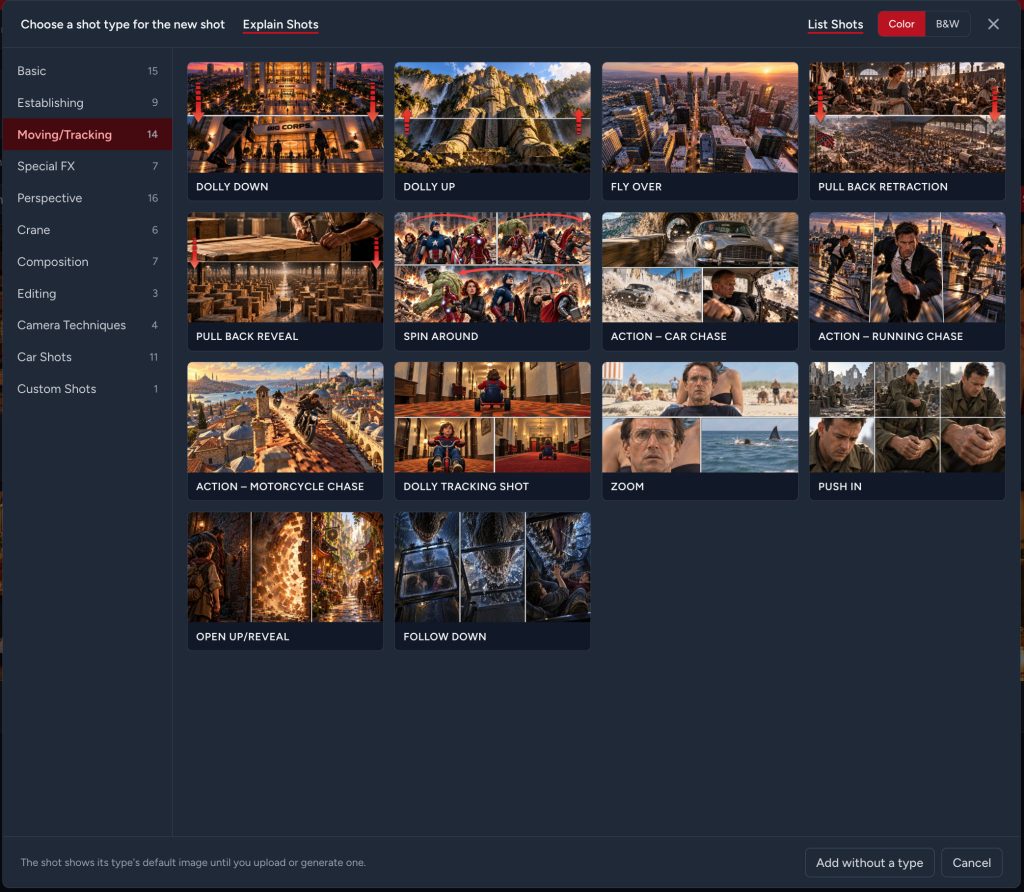
Shot Monkey includes a library of professionally illustrated shot types covering camera framing, angles, composition, movement, and specialized cinematic techniques.
You can also:
Generate storyboard frames using AI, with control over characters, wardrobe, environment, mood, and visual style.
Upload your own storyboard sketches, photographs, or artwork.
Add camera movement overlays, including pans, tilts, dollies, zooms, and other movements.
Add arrows, text, and annotations directly to storyboard frames.
Create custom shot types for reuse in future projects.
Whether you’re planning a simple dialogue scene or a complicated action sequence, Shot Monkey helps turn your visual ideas into an organized shooting plan.
A storyboard shows what you want the audience to see. A shot list helps explain how you’re going to film it.
For each shot, Shot Monkey lets you record important production details, including camera angles, lenses, focal lengths, lighting, timing, and shooting notes.
You can also assign cast members, props, wardrobe, equipment, vehicles, and other production elements directly to individual shots.
This gives directors, cinematographers, and assistant directors a clearer picture of what each setup requires before the crew arrives on set.
Shot Monkey isn’t limited to planning.
You can assign shoot days, organize camera setups, track shots as completed or not completed, collaborate with other production team members, and generate professional PDF storyboard and shot list reports.
And because Shot Monkey is browser-based, your storyboard and shot list projects can be accessed online without installing traditional desktop software.
Ready to move beyond storyboard templates?
Explore Shot Monkey: Online Storyboard and Shot List Software and start planning your next production at Jungle Software Online.
SCRIPT BREAKDOWN & SCHEDULING Comparing Celtx and Gorilla: A Film Scheduling Comparison Compare Celtx and Gorilla Scheduling for script breakdown, scheduling, production management, and professional