
JUNGLE SOFTWARE · SCREENWRITING GUIDE
Screenwriting Software Compared: Finding the Right Tool from First Draft to Production
A practical comparison of professional screenwriting tools, collaboration, revisions and the path from script to production.
Choosing screenwriting software used to be a relatively simple decision. Final Draft and Movie Magic Screenwriter dominated professional conversations, while smaller alternatives appealed to writers looking for a lower price or a simpler writing environment. That is no longer the whole story.
Today, writers can choose from established desktop applications, browser-based collaborative workspaces, and programs that connect the screenplay to production planning. The most useful question is not simply which application formats a script correctly. It is which one fits the way you develop, rewrite, share, and eventually produce your story.
At Jungle Software, we build film scheduling, budgeting, and screenwriting tools, including Page One. That gives us an informed perspective on production workflows, but also a commercial interest in this comparison. We will describe where competing products are strong, where Page One is designed to stand out, and what you should test for yourself before committing.
What matters when choosing screenplay software?
- Writing and formatting: industry-standard screenplay elements, templates, navigation, and an interface that keeps the words moving.
- Story development: scene cards, outlines, character information, notes, and the ability to restructure a draft.
- Collaboration: how co-writers, editors, producers, and instructors review or work on a script.
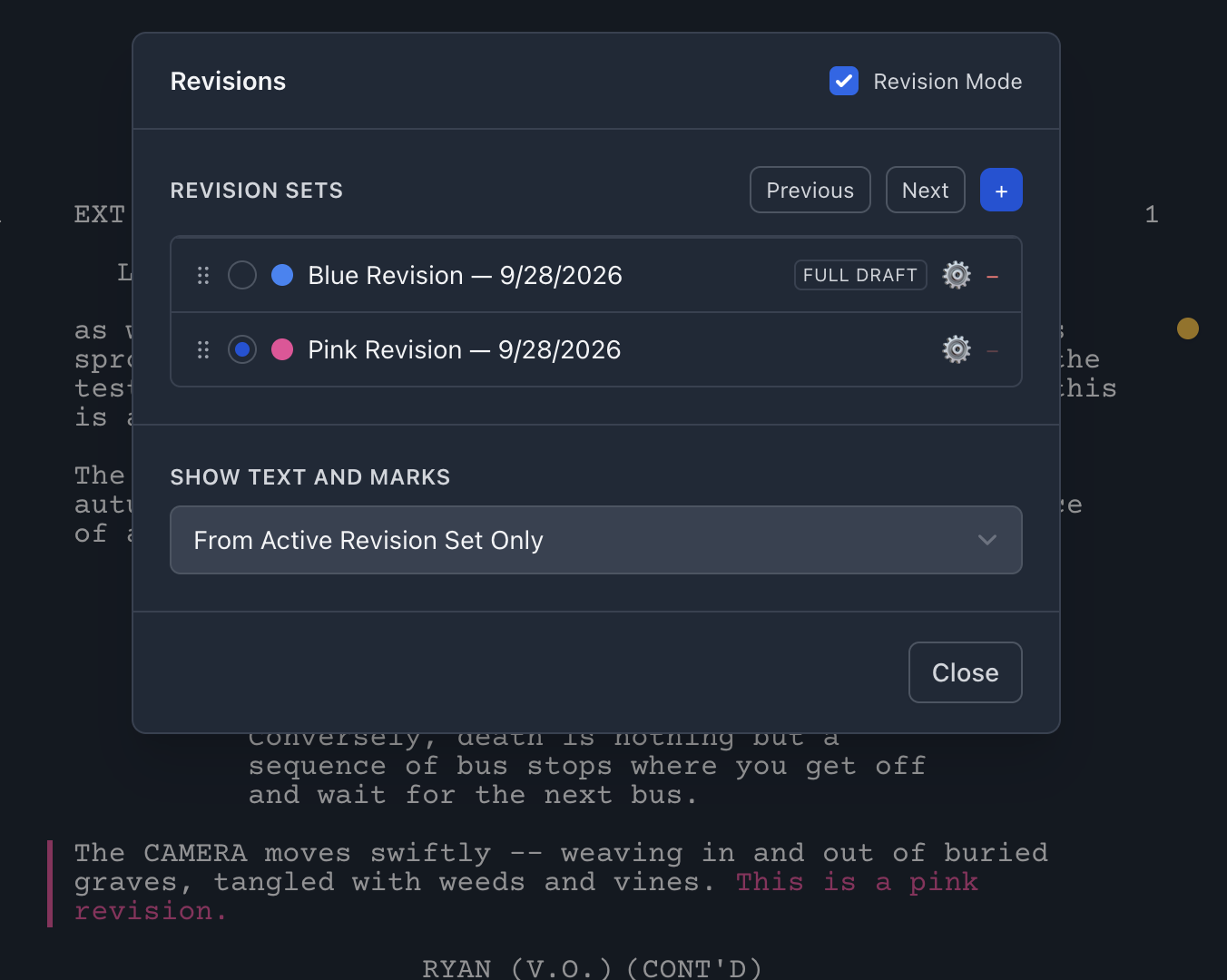
- Production revisions: scene numbering, locked pages, colored revisions, and accurate exports as a project moves toward filming.
- Compatibility: importing and exporting FDX, PDF, Fountain, and other relevant formats without losing critical information.
- Production handoff: how easily the screenplay becomes breakdown data, shooting schedules, and eventually budgets.
A note on compatibility: two applications may both advertise support for .fdx, yet import very different amounts of screenplay content or metadata. Before changing tools, test a representative script containing dialogue, dual dialogue, notes, scene numbers, and revisions.
Final Draft: an established professional benchmark
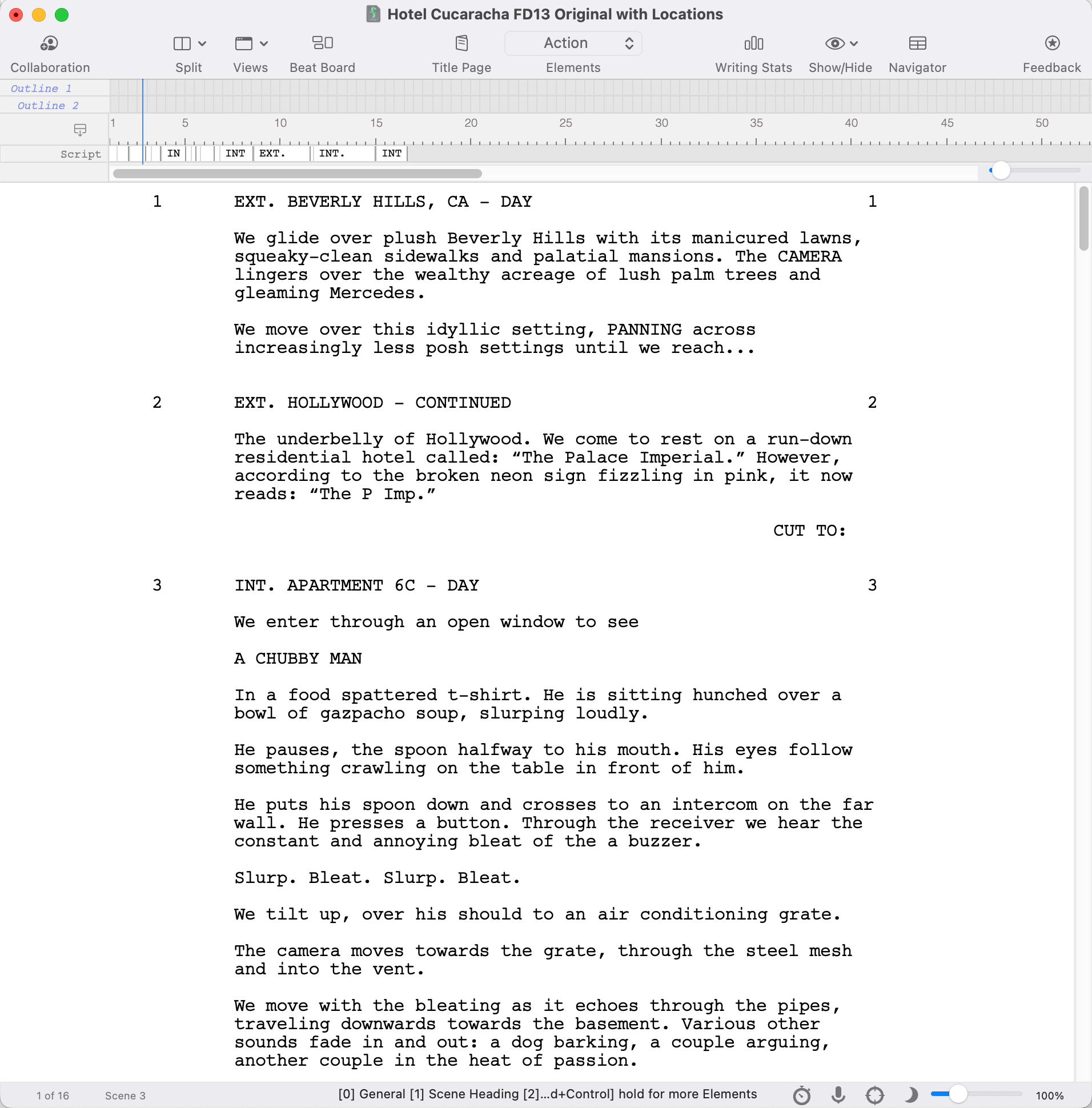
Final Draft remains one of the most recognized names in professional screenwriting. Final Draft 13 for desktop combines automatic screenplay formatting with a Beat Board, Outline Editor, story-structure tools, comments, and real-time collaboration. Production-oriented features include script tagging, reports, revision colors, locked pages, and scene management.
Its chief advantage is familiarity. Many writers, assistants, producers, and script departments already know the Final Draft workflow, making it a comfortable choice when a project passes through a traditional professional pipeline. Its .fdx format is also a widely supported interchange format.
The tradeoff is that its broad feature set and desktop-centered production workflow may be more than a new writer needs. Final Draft also offers separate products and plans, so be precise about which version includes which features: for example, the newer Final Draft Writer offering does not include the production revision tools available in Final Draft 13 desktop.
Best fit: writers and productions that prioritize established industry workflows, extensive revision controls, and compatibility with collaborators already using Final Draft.
Movie Magic Screenwriter: traditional scriptwriting with production depth
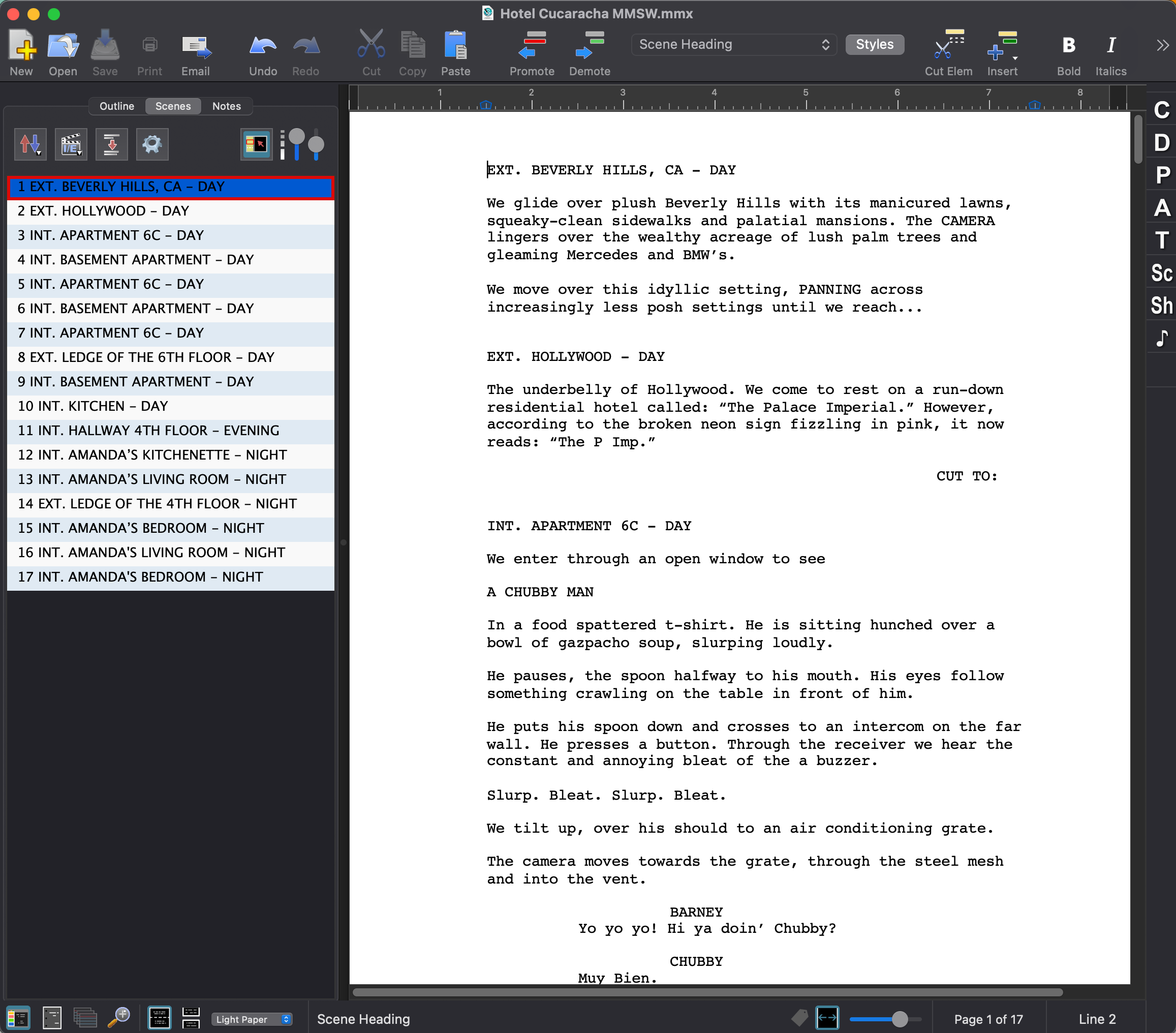
Movie Magic Screenwriter is another long-standing professional application, from Write Brothers. It offers automatic formatting and established production-script workflows. Its NaviDoc navigation, outline functionality, document comparison, and production-oriented features will appeal to writers who prefer a traditional desktop environment.
Importantly, the software is not frozen in the era of our original article. Write Brothers released a modernized Mac Screenwriter 6.8 in 2026 with native Apple Silicon support, expanded compatibility with current macOS versions, updated navigation, and other refinements. Windows and Mac editions do not necessarily share identical release numbers or feature status.
Movie Magic Screenwriter has an especially relevant link to scheduling workflows through .sex export. That said, do not equate exporting a file with preserving every aspect of a screenplay on import into a different scheduling package. Always test the actual destination and the information it retains.
Best fit: screenwriters comfortable with a mature desktop workflow, especially those already embedded in Movie Magic-oriented production environments.
Fade In: professional capability without unnecessary complexity
Fade In has earned a place in serious screenwriting discussions through a straightforward interface and a substantial production feature set. Its desktop software runs on Mac, Windows, and Linux, offers distraction-free writing, outlining and navigation, and supports rewrites and revisions.
One of Fade In’s genuine strengths is interoperability. Its published import/export support includes Final Draft .fdx, Fountain, Word, rich text, and several other formats. This makes it a worthwhile candidate for a writer collaborating across multiple software environments. Its flexible formatting and professional editing tools also make it more than an entry-level alternative.
There is one misconception worth correcting from our old article: Fade In is not simply a Fountain-only application. It supports Fountain as one of several formats. File portability should be judged by real round-trip tests, not by assuming all formats preserve all possible metadata.
Best fit: individual writers who want a focused, capable desktop writing application with broad file-format support.
WriterDuet: collaboration as the starting point
WriterDuet puts shared writing at the center of the experience. Writers can work together in real time or separately, add comments, explore revision history, use index cards and mind maps, and work across computers and mobile devices. The service also supports offline writing with synchronization after reconnecting.
Its advertised compatibility includes Final Draft files, PDFs, Word documents, and Fountain. WriterDuet also supports locked and colored pages, so it should not be dismissed as a collaboration-only app unsuitable for production work.
The main consideration is whether you prefer an online-first environment and how your team manages permissions, ownership, subscriptions, and handoff to production applications. These practical details matter just as much as collaboration itself.
Best fit: writing partners, distributed teams, and writers who want active collaboration and extensive draft history.
Celtx: a broader online production workspace
Celtx has evolved far beyond the simple, inexpensive browser-based screenwriter described in our previous article. Its current platform combines writing with story development and, depending on plan, breakdowns, shot lists, schedules, call sheets, budgeting, and other production-management features.
This breadth can be attractive to students, independent filmmakers, and teams that want many related activities housed in one environment. Celtx also offers education-focused plans, and its collaboration tools include comments, revision histories, and shared workspaces.
The tradeoff is not that Celtx is inherently unsuitable for professional submissions or production. That claim from the old article is outdated. Rather, users should compare which features are available in their specific plan and whether the platform’s production workflows fit their crew, reporting requirements, and interchange needs.
Best fit: writers and teams seeking a combined online writing and pre-production ecosystem, especially for school or independent projects.
Page One: writing with the production handoff in mind
Page One is Jungle Software’s online screenwriting application. It is designed around a familiar professional writing experience while connecting the screenplay to the organizational work that follows a completed draft. Since Page One is our own product, we encourage readers to compare its actual capabilities with their own scripts rather than take our enthusiasm as an independent endorsement.
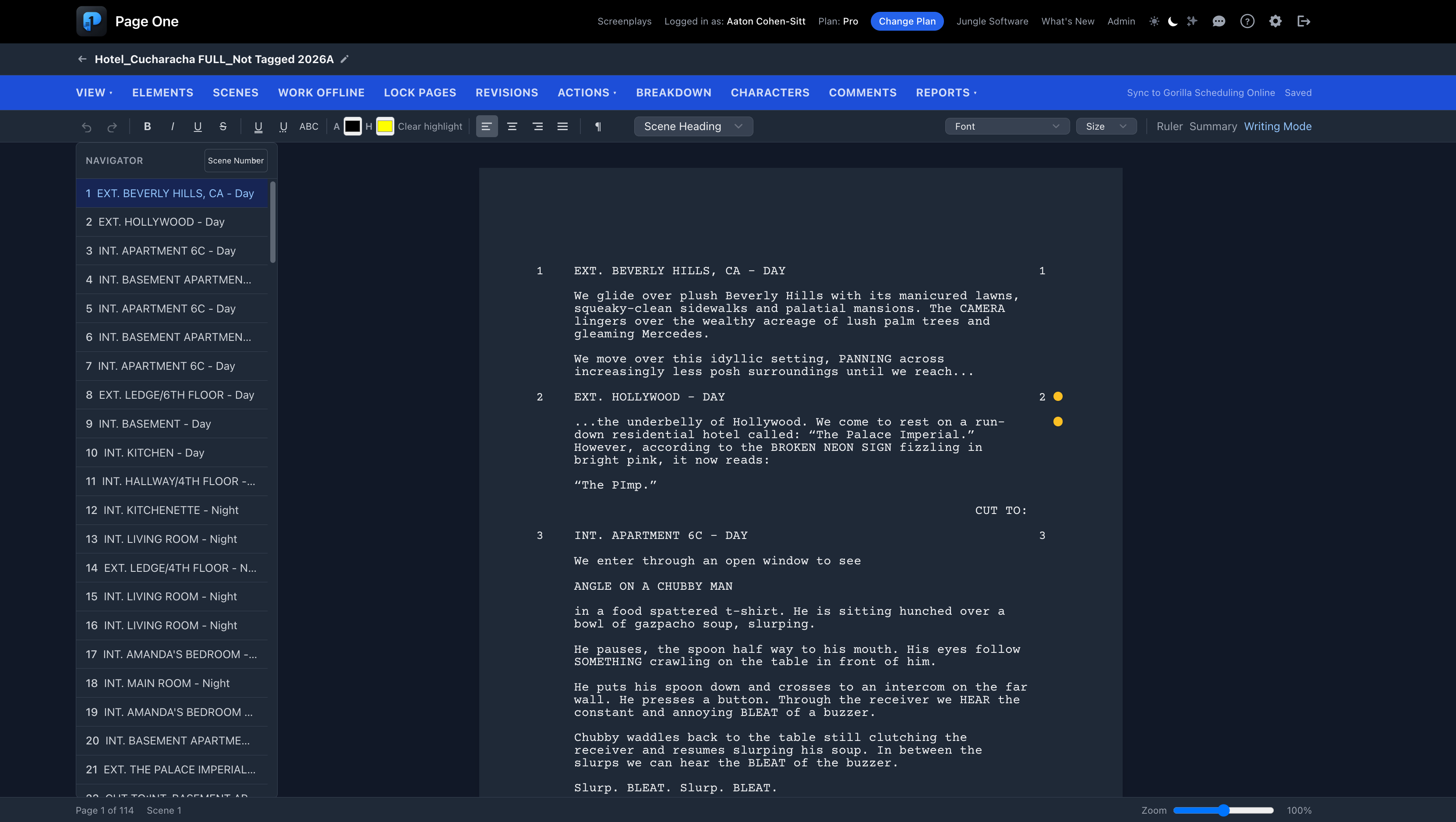
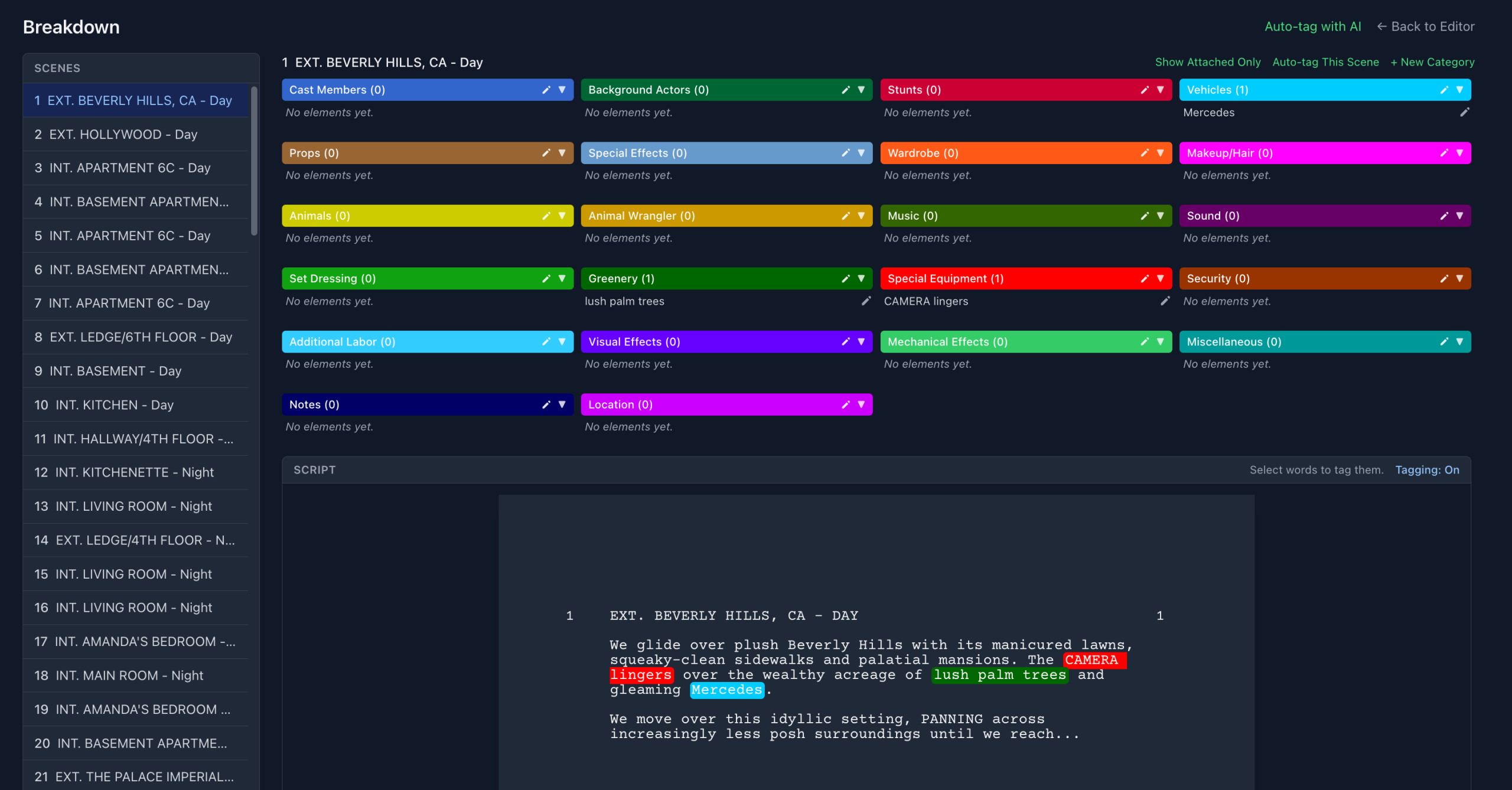
Page One includes automatic screenplay formatting, templates, Smart Type assistance, a scene navigator, index cards, scene and sequence numbering, dual dialogue, notes, and script checking. Production-oriented features include locked pages, colored revisions, script tagging, custom breakdown categories, character and dialogue reports, and collaboration options. Some features are reserved for paid plans.
A particularly distinctive aspect is the connection with Gorilla Scheduling Online. Page One supports two-way, on-demand synchronization, enabling a script to move between writing and scheduling without relying exclusively on repeated file exports. It also offers optional AI-assisted tagging suggestions that a user reviews and confirms, rather than treating AI output as an unquestioned breakdown.
Page One’s listed interchange options include .fdx import/export, PDF import/export, and .sex export for Movie Magic Scheduling. These are useful options, but they deserve the same real-world import testing we recommend for every product. Workflow continuity and preservation of revision information are especially important when a script enters production.
For instructors, Page One’s School Mode helps connect screenwriting instruction with the production process. Professors can post assignments for students to see when they next sign in. Schools should evaluate the available instructor and student permissions to determine how the tools fit their courses.
Best fit: filmmakers, students, and production-minded writers interested in professional screenplay writing in a browser and a closer connection to scheduling and breakdown workflows.
A side-by-side comparison: which priorities stand out?
| Application | Notable strengths | Consider closely |
|---|---|---|
| Final Draft | Established desktop production workflow; outlining; revisions | Which Final Draft product includes production features |
| Movie Magic Screenwriter | Traditional screenwriting; NaviDoc; scheduling-oriented export | Platform-version differences; import/export fidelity |
| Fade In | Focused desktop writing; robust format support | Round-trip preservation of complex production metadata |
| WriterDuet | Real-time collaboration; history; revisions | Online workflow and handoff to your production team |
| Celtx | Writing plus broader planning tools | Plan-level access; compatibility with outside tools |
| Page One | Browser writing; production tagging; Gorilla synchronization | Validate features and file interchange for your workflow |
The production question: can your screenplay survive the handoff?
A screenplay may begin as a story document, but by the time a production manager receives it, it has become a source of operational information. Scene headings, cast appearances, location changes, day/night designation, props, wardrobe, vehicles, and special requirements feed the breakdown and schedule.
This is where the term “production-friendly” needs to mean more than a numerical score. A script may look beautiful as a PDF yet require substantial manual reconstruction in scheduling software. Another file may import scene headings accurately but omit action descriptions, character cues, or revision information. The right test is practical: what survives when this particular script reaches this particular production system?
We recommend a small handoff test before settling on an application: create a sample script with several locations, characters, dual dialogue, revised scenes, and production notes; export it; import it into the scheduling tool you intend to use; and inspect the resulting breakdown records. Verify scene order, numbers, characters, and descriptive text before trusting the workflow for a full project.
Which screenwriting software should you choose?
If collaborators or a script department specifically require Final Draft, using Final Draft may be the simplest decision. If you have a long-established Movie Magic Screenwriter workflow, there are good reasons to stay with it. Fade In is an appealing desktop option for writers who prize a focused interface and flexible format support. WriterDuet suits projects where co-writing and feedback are central. Celtx deserves consideration if you want writing and production-management tools in the same online environment.
Page One offers a different proposition: screenwriting designed from the outset to sit close to breakdown and scheduling, particularly within the Jungle Software ecosystem. It should be compared on those workflow merits, not assumed to win every category. For a writer who only wants to draft a screenplay with no production planning, a simpler or more familiar alternative may be preferable.
The best software is the one that supports your creative process today and does not create unnecessary friction tomorrow, when the finished words must become a shooting schedule.
Explore Page One and the Jungle Software workflow
Explore Gorilla Scheduling Online