JUNGLE SOFTWARE + FINAL DRAFT

Write in Final Draft. Continue in Gorilla Scheduling Online.

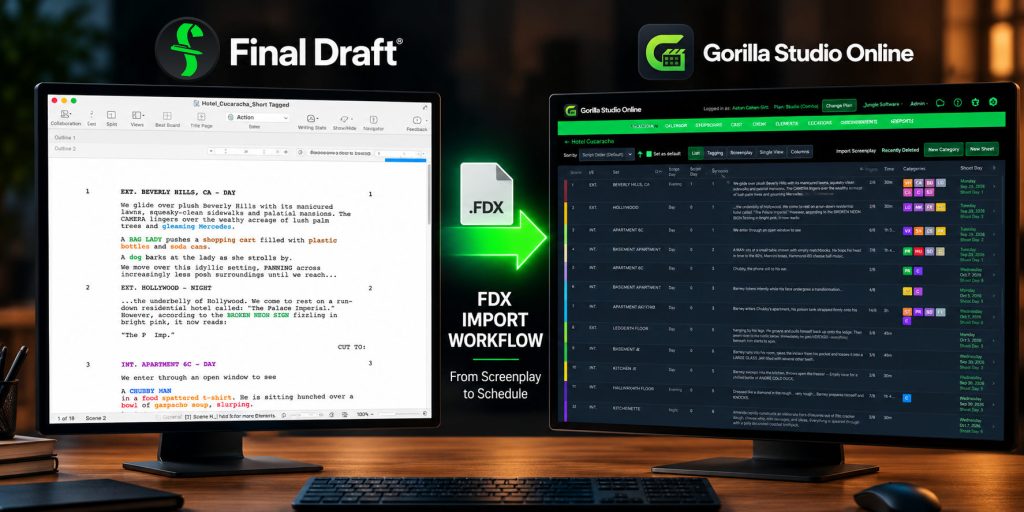
If Final Draft is your preferred screenwriting software, you can keep using it. Gorilla Scheduling Online supports Final Draft .fdx files, making it easy to move your screenplay into breakdown, scheduling, and production planning.
FINAL DRAFT COMPATIBILITY

Use the writing tool you prefer and stay connected to Jungle.

For the most connected Jungle Software workflow, start with Page One. But if you already write in Final Draft or prefer its screenwriting environment, Jungle Software supports that workflow through FDX compatibility.

FDX IMPORT

Bring Final Draft .fdx screenplay files into Gorilla Scheduling Online and continue from script to breakdown and scheduling.

FDX EXPORT

Export supported screenplay data from Gorilla Scheduling Online in .fdx format when your workflow needs to move back into a Final Draft-compatible environment.

PAGE ONE

Page One can import .fdx screenplay files, giving writers another way to bring existing Final Draft projects into the Jungle ecosystem.

WORKFLOW

Move from screenplay into breakdowns, stripboards, shoot days, cast, crew, locations, and production reports without rebuilding the project from scratch.

FROM FINAL DRAFT TO PRODUCTION

Move from screenplay to schedule without starting over.

Write and revise your screenplay in Final Draft, save or export it as an .fdx file, and bring it into Gorilla Scheduling Online.

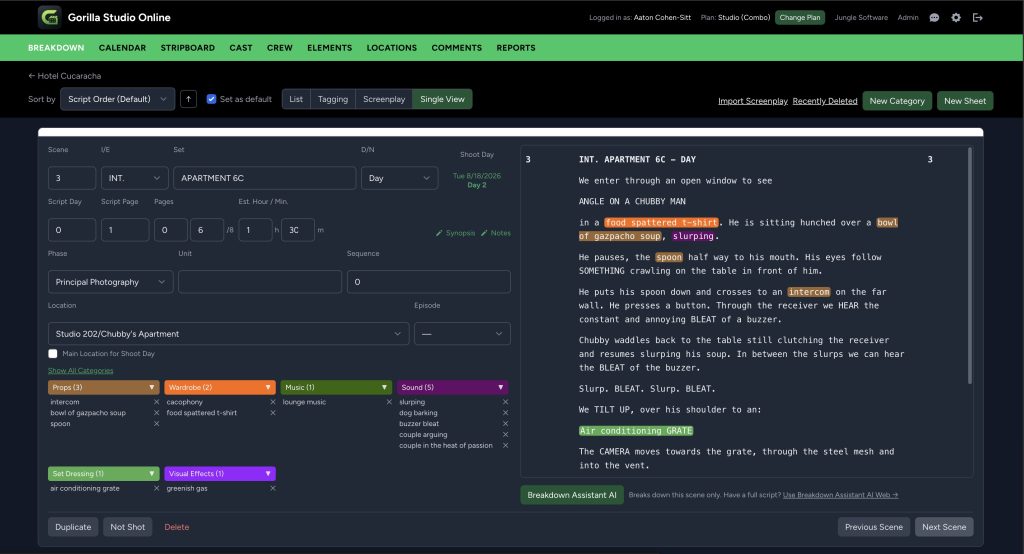
From there, you can break down scenes, tag production elements, organize the stripboard, build shoot days, and continue into the production workflow.

Gorilla Scheduling Online Breakdown Sheet

PREFER TO STAY IN THE JUNGLE ECOSYSTEM?

Start your screenplay in Page One.

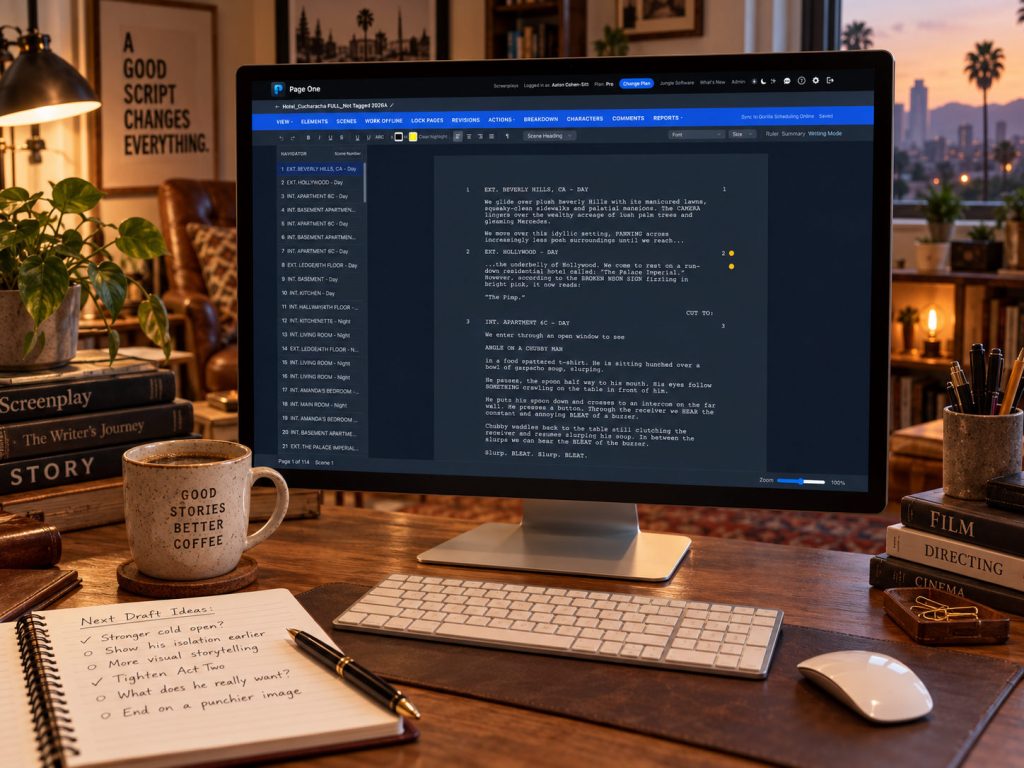
Page One is Jungle Software’s online screenwriting application, built for writers who want their screenplay and production workflow closer together from the beginning.

For the most connected Jungle Software experience, Page One is the natural starting point. If you already have a screenplay in Final Draft, Page One can import .fdx files so you can move into the Jungle workflow without starting over.

FLEXIBLE WORKFLOWS

Choose the tools that fit your production.

KEEP EXISTING SCREENPLAYS

Bring existing Final Draft projects into Jungle Software through .fdx compatibility.

USE THE WRITING TOOL YOU PREFER

Start with Page One for the most connected Jungle workflow, or continue writing in Final Draft if that is what your team prefers.

MOVE INTO PRODUCTION

Continue from screenplay into breakdown, scheduling, cast, crew, locations, and production reporting.

START YOUR NEXT PROJECT

Write where you want. Continue production in Jungle Software.

Start your screenplay in Page One for the most connected Jungle Software workflow, or bring your existing Final Draft screenplay into Gorilla Scheduling Online through FDX compatibility.

PAGE ONE

Professional screenwriting from your browser.

GORILLA SCHEDULING ONLINE

Professional scheduling from your browser.

Newsletter Signup