Professional Film Production Software, Built for the Classroom
They need to understand how scenes become breakdown sheets, how production strips become shooting schedules, and how creative and logistical decisions affect the budget.
Gorilla Online gives students a practical environment for learning those skills while giving instructors tools to oversee their work.
Because Gorilla Online runs in the browser, students can work from their own computers without installing desktop software.
Mac or PC. Classroom, lab, home or production office.
INTRODUCING: SCHOOL MODE
School Mode Puts Instructors at the Center.
Managing a class of student productions should not require collecting dozens of exported files and trying to determine which version is current.
Gorilla Online School Mode gives instructors their own environment for managing participating students and following their work throughout the course.
Professors can invite students into the school’s class environment. Students create their own Gorilla Online accounts and work on their individual projects while participating in the school’s licensed workspace.
Instructors can access participating class projects directly from their account.
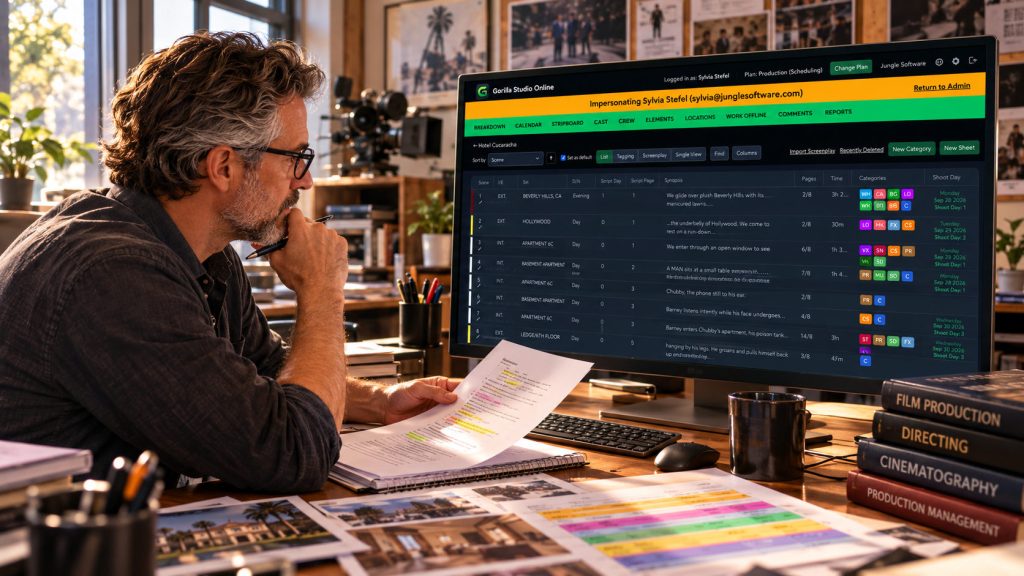
Review a student’s screenplay breakdown. Examine the stripboard. Check how shooting days have been organized. Look at a production budget while it is being developed.
You can see the work in progress, not simply the PDF submitted at the end of the assignment.
WORK DIRECTLY WITH A STUDENT PROJECT
Communicate Privately With Students.
Instructor tools make it possible to enter a participating student’s project when necessary to review work, demonstrate a technique or help troubleshoot a problem.
Professors can send individual messages to students directly from the school environment, making it easier to provide guidance while reviewing their work.
GORILLA SCHEDULING ONLINE
Teach Professional Film Scheduling.
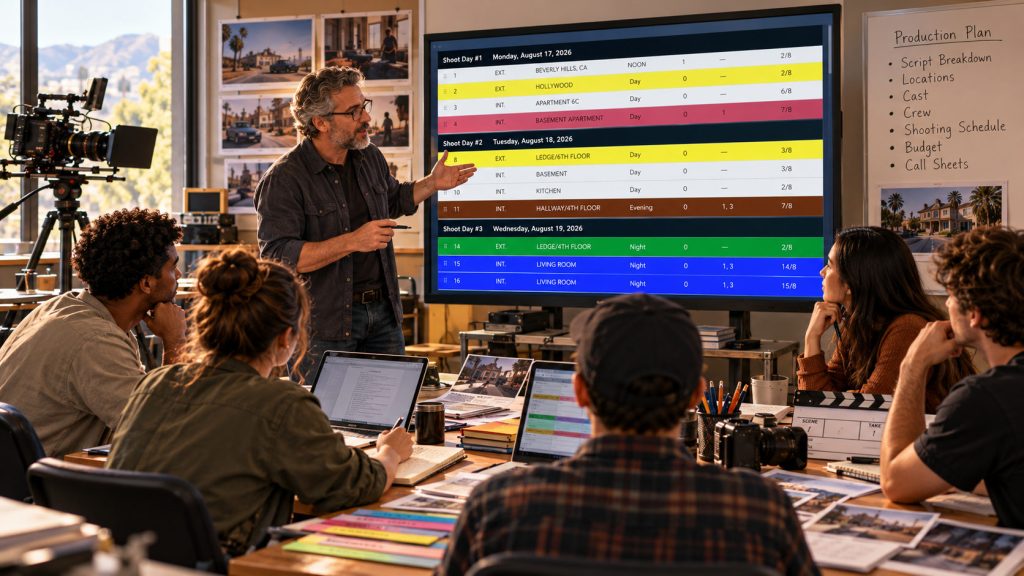
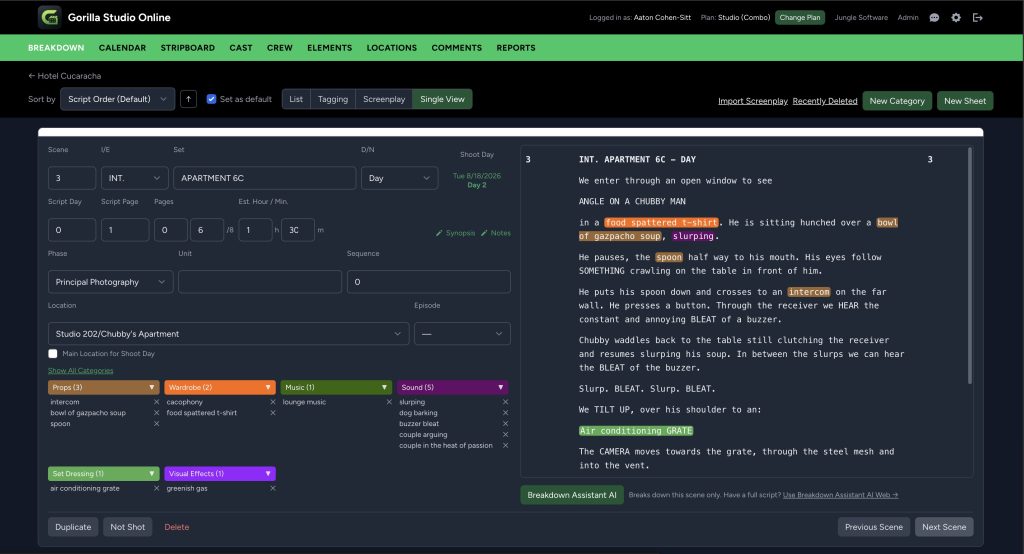
Students can follow a production from screenplay import through the completed shooting schedule.
Use Gorilla Scheduling Online to teach:
Screenplay import and scene organization
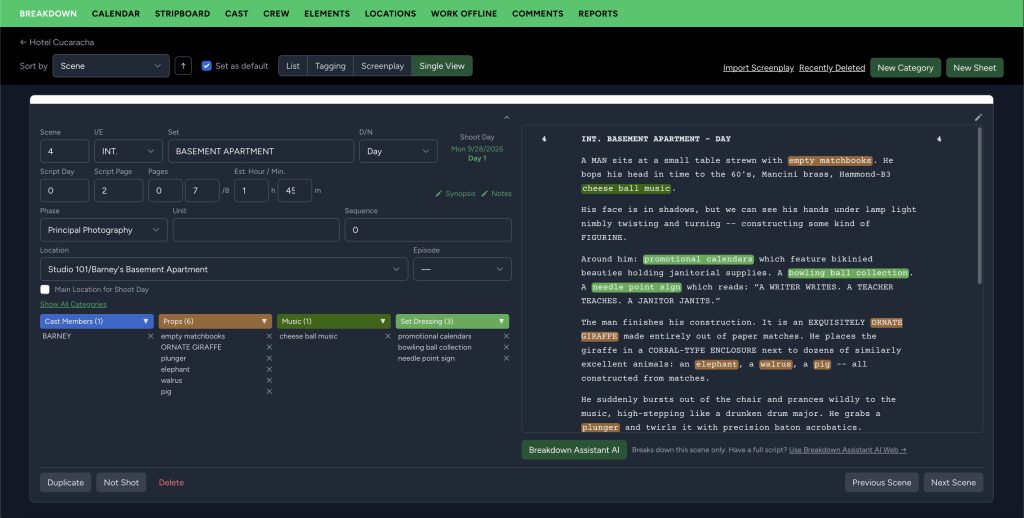
Script breakdowns and production elements
Breakdown sheets
Production strips and stripboards
Shooting days and calendars
Cast, crew and locations
Day Out of Days and production reports
Call sheets and other scheduling reports
Collaborative production planning
Instead of learning scheduling through disconnected spreadsheets or exercises, students can work through the same structured process used to plan an actual production.
BREAKDOWN ASSISTANT AI
Breakdown Assistant AI is available as an add-on for Academic plans.
Students can use AI-assisted breakdown to identify suggested cast, props, wardrobe, vehicles, locations and other production elements, while still learning the principles behind a proper screenplay breakdown.
GORILLA BUDGETING ONLINE
Teach Students How to Build a Real Production Budget
Scheduling tells students how they plan to shoot the production.
Budgeting teaches them what those decisions cost.
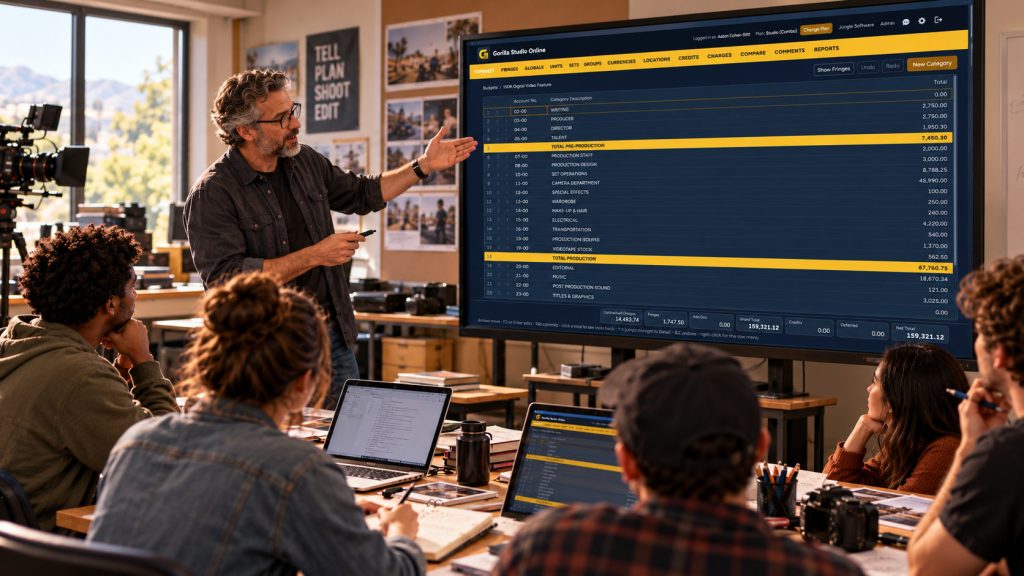
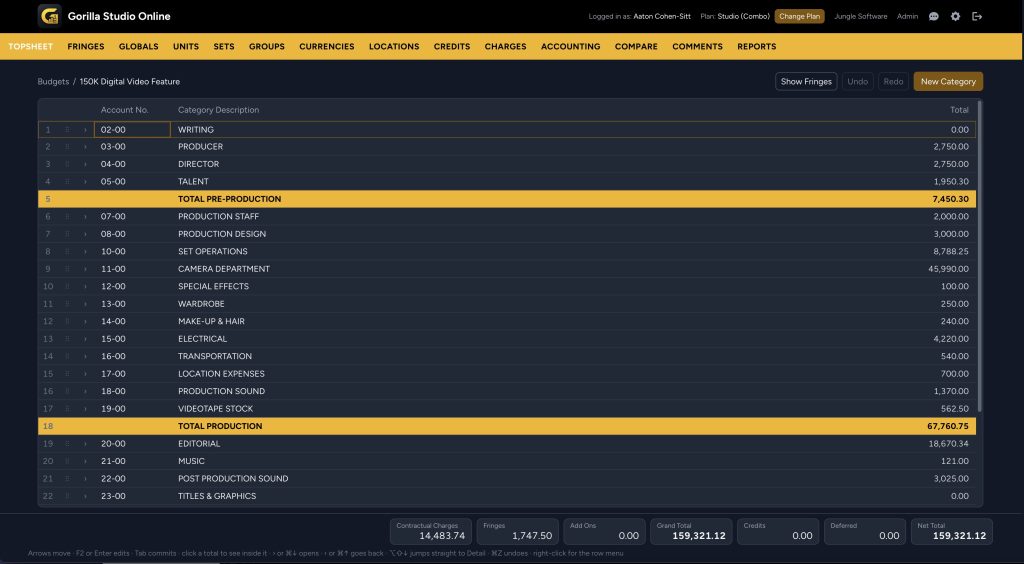
Gorilla Budgeting Online gives students experience building structured production budgets with:
Accounts and categories
Detailed budget line items
Rates, units and quantities
Fringes
Globals
Contractual charges
Comparisons
Production reports
Professional topsheets and account detail
Students can see how changes to shoot days, crew, equipment, locations and other production requirements affect the financial plan.
GORILLA RATEBOOK INTEGRATION
Production Rates Where Students Need Them
Production budgeting requires more than guessing what things cost.
Gorilla Budgeting Online integrates with the Gorilla Ratebook, giving students access to professional film and television labor-rate information while they work on their budgets.
That creates an opportunity to teach not only how to enter numbers, but where production rates come from and how labor assumptions affect a professional budget.
A COMPLETE ECOSYSTEM
From Script to Schedule to Budget
A screenplay decision can become a scheduling decision.
A scheduling decision can become a budget decision.
Gorilla Online helps students understand those relationships inside one production ecosystem.
SCRIPT → BREAKDOWN → SCHEDULE → BUDGET
Students learn not simply how to operate software, but how the different stages of pre-production affect one another.
ACADEMIC LICENSING
Made for Film Schools.
Gorilla Online academic licensing is available for colleges, universities, film schools and qualifying educational programs.
Institutional licensing can include:
Gorilla Scheduling Online
Gorilla Budgeting Online
School Mode
Individual student accounts
Instructor and administrator access
Centralized student invitations
Faculty oversight of participating class projects
Seat reassignment for future classes
Centralized institutional billing
Academic support
Optional AI features
Licensing is available for individual applications or as a Gorilla Online Academic Combo with Scheduling and Budgeting together.
SEE GORILLA IN ACTION
We'll Show You How It Works
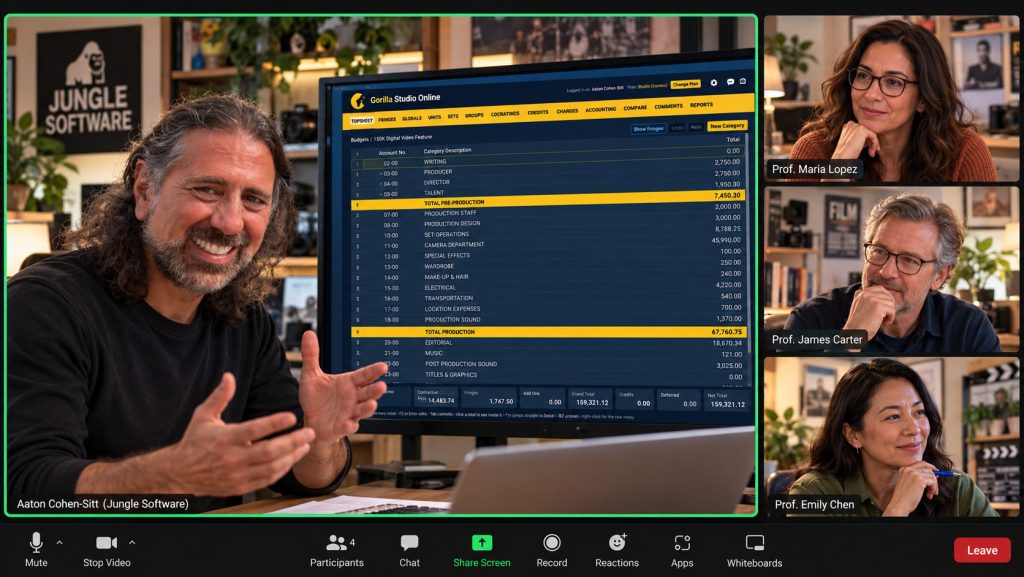
If you’re evaluating scheduling or budgeting software for your film program, we’d be happy to give you and your colleagues a personal online demonstration.
In a short Zoom session, we can show:
Gorilla Scheduling Online Gorilla Budgeting Online School Mode Breakdown Assistant AI Gorilla Ratebook integration
We’ll also answer questions about classroom workflows, student accounts and academic licensing.
The demonstration can be tailored to the courses and production workflows your program teaches.
BUILT FOR FILMMAKERS
Professional Production Skills Start in the Classroom
Give students experience with the tools and production-planning concepts they’ll encounter beyond film school.
Built for filmmakers. Now built for the classroom.
Semester and annual academic licensing available.
GORILLA SCHEDULING ONLINE
Professional film scheduling from your browser.
Import screenplays, break down scenes, build stripboards, organize shoot days, manage cast and crew, generate reports, and collaborate with your production team online.